API to load and store car setups in a unified way, and to support setup changes during pit stops. More...

Functions | |
| void | RtInitCarPitSetup (void *hdle, tCarPitSetup *s, bool minmaxonly) |
| Initialize tCarPitSetup from data in parameter set given in handle hdle. | |
| void | RtGetCarPitSetupFilename (rtCarPitSetupType type, int robidx, const char *carname, const char *trackname, char *filename, const int len) |
| Compose filename from given strings. | |
| void | RtSaveCarPitSetupFile (void *hdlecar, tCarPitSetup *s, const char *filepath, const char *carname) |
| Save adjustable setup entries to a file, merging them with hdlecar's restrictions. | |
| void | RtSaveCarPitSetup (void *hdlecar, tCarPitSetup *s, rtCarPitSetupType type, const char *modulename, int robidx, const char *trackname, const char *carname) |
| Save a custom setup in the robot's local setups directory. | |
| bool | RtCarPitSetupExists (rtCarPitSetupType type, const char *modulename, int robidx, const char *trackname, const char *carname) |
| Checks if a specific car setup is available. | |
| bool | RtLoadCarPitSetupFilename (void *hdlecar, const char *filepath, tCarPitSetup *s, bool minmaxonly) |
| Load a custom setup and merge its entries with hdlecar's restrictions. | |
| bool | RtLoadCarPitSetup (void *hdlecar, tCarPitSetup *s, rtCarPitSetupType type, const char *modulename, int robidx, const char *trackname, const char *carname, bool minmaxonly) |
| Load a custom setup from the robot's local setups directory. | |
| void * | RtLoadOriginalCarSettings (const char *carname) |
| Gets a handle to a parameter file containing the original TORCS car setup, that means the car setup merged with the cars category setup. | |
| bool | RtInitCarPitSetupFromDefault (tCarPitSetup *s, const char *carname) |
| Initialize the given tCarPitSetup with the original TORCS setup, that means the car setup merged with the cars category setup. | |
| void * | RtParmReadSetup (rtCarPitSetupType type, const char *modulename, int robidx, const char *trackname, const char *carname) |
| Load a custom car setup file for a given robot, car, track and session (race, practice, qualifying, ...) type. | |
API to load and store car setups in a unified way, and to support setup changes during pit stops.
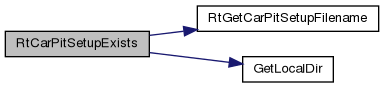
| bool RtCarPitSetupExists | ( | rtCarPitSetupType | type, |
| const char * | modulename, | ||
| int | robidx, | ||
| const char * | trackname, | ||
| const char * | carname ) |
Checks if a specific car setup is available.
| [in] | type | Setup type |
| [in] | modulename | Name of robot module without extension |
| [in] | robidx | Index of robot |
| [in] | trackname | TORCS internal name name of track |
| [in] | carname | TORCS internal name car name |
Definition at line 1028 of file rttrack.cpp.
| void RtGetCarPitSetupFilename | ( | rtCarPitSetupType | type, |
| int | robidx, | ||
| const char * | carname, | ||
| const char * | trackname, | ||
| char * | filename, | ||
| const int | len ) |
Compose filename from given strings.
| [in] | type | Setup type |
| [in] | robidx | Index of robot |
| [in] | carname | TORCS internal name car name |
| [in] | trackname | TORCS internal name name of track |
| [out] | filename | Buffer for car_track_index_session, without directory or extension. |
| [in] | len | Positive buffer capacity in bytes including the terminator; a short buffer receives a truncated name. type must be a valid enum value. |
Definition at line 848 of file rttrack.cpp.
| void RtInitCarPitSetup | ( | void * | hdle, |
| tCarPitSetup * | s, | ||
| bool | minmaxonly ) |
Initialize tCarPitSetup from data in parameter set given in handle hdle.
| [in] | hdle | Handle to setup parameter set |
| [in,out] | s | Pointer to tCarPitSetup struct to initialize |
| [in] | minmaxonly | If true, preserve numeric values and update their bounds. |
Definition at line 748 of file rttrack.cpp.

| bool RtInitCarPitSetupFromDefault | ( | tCarPitSetup * | s, |
| const char * | carname ) |
Initialize the given tCarPitSetup with the original TORCS setup, that means the car setup merged with the cars category setup.
| [in,out] | s | Pointer to tCarPitSetup struct to fill/initialize |
| [in] | carname | TORCS internal name of the car (directory/filename) |
Definition at line 1172 of file rttrack.cpp.
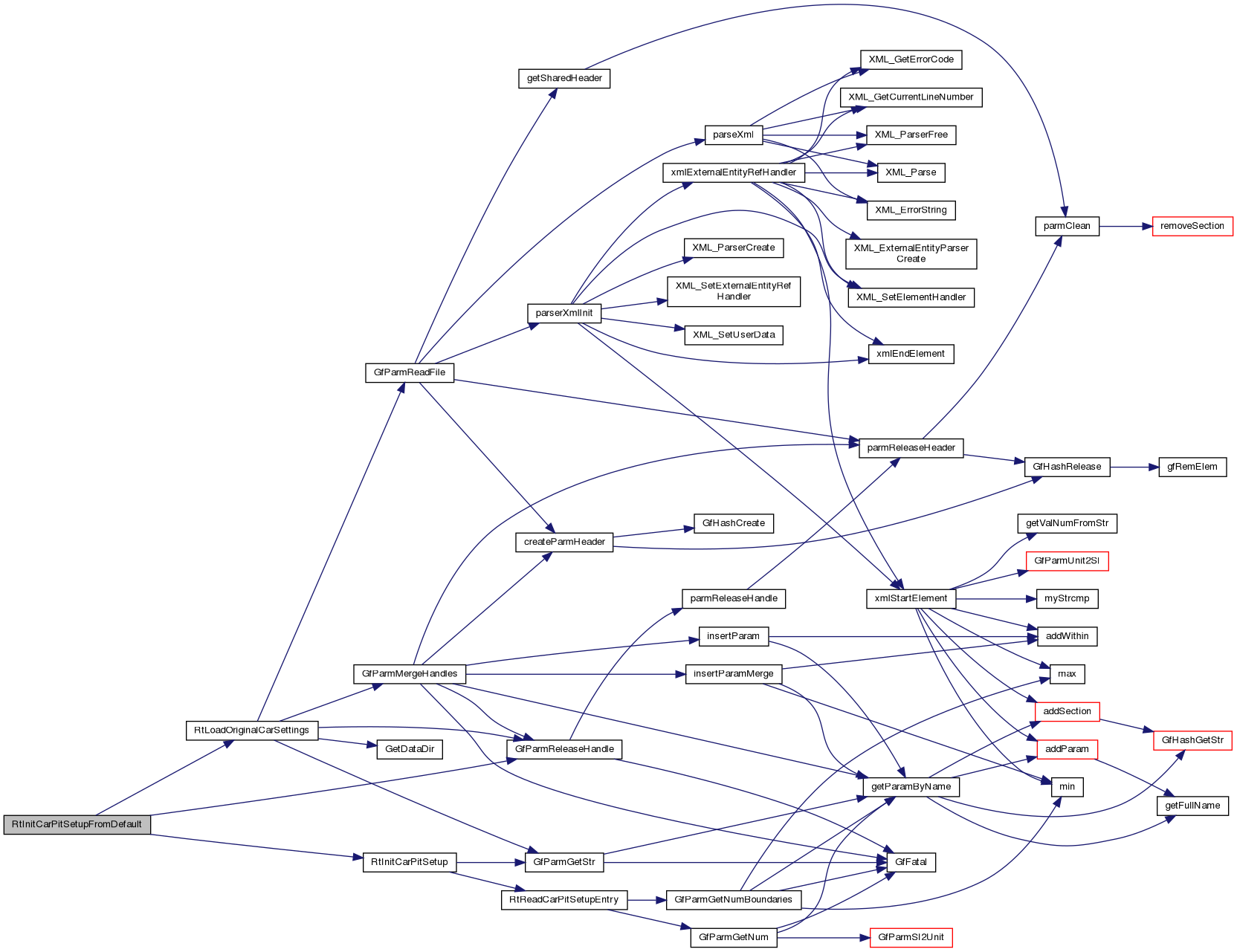
| bool RtLoadCarPitSetup | ( | void * | hdlecar, |
| tCarPitSetup * | s, | ||
| rtCarPitSetupType | type, | ||
| const char * | modulename, | ||
| int | robidx, | ||
| const char * | trackname, | ||
| const char * | carname, | ||
| bool | minmaxonly ) |
Load a custom setup from the robot's local setups directory.
Uses RtLoadCarPitSetupFilename with the standard filename.
| [in] | hdlecar | Handle to "master setup" (parameter set) to validate against (min/max and other checks) |
| [in,out] | s | Pointer to tCarPitSetup struct to fill/initialize |
| [in] | type | Setup type |
| [in] | modulename | Name of robot module without extension |
| [in] | robidx | Index of robot |
| [in] | trackname | TORCS internal name name of track |
| [in] | carname | TORCS internal name car name |
| [in] | minmaxonly | Preserve numeric values when true; bounds and differential types are still updated. |
Definition at line 1097 of file rttrack.cpp.
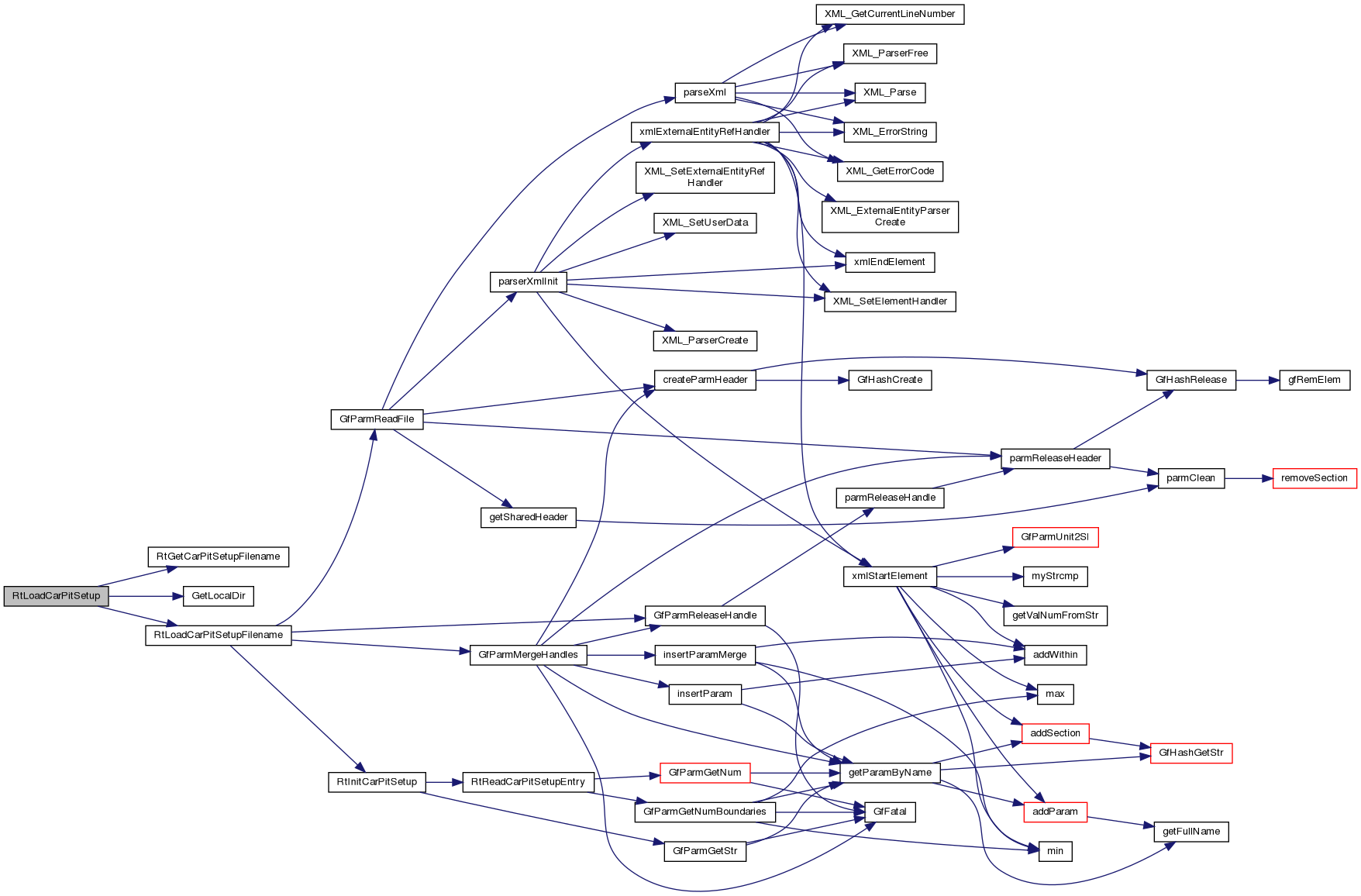
| bool RtLoadCarPitSetupFilename | ( | void * | hdlecar, |
| const char * | filepath, | ||
| tCarPitSetup * | s, | ||
| bool | minmaxonly ) |
Load a custom setup and merge its entries with hdlecar's restrictions.
Uses GfParmMergeHandles with DST: master-only entries are not added. Initialize s first, normally from RtInitCarPitSetupFromDefault; absent numeric bounds remain unchanged, while absent values become zero unless minmaxonly is true.
| [in] | hdlecar | Handle to "master setup" (parameter set) to validate against (min/max and other checks) |
| [in] | filepath | Full path to setup file |
| [in,out] | s | Pointer to tCarPitSetup struct to fill/initialize |
| [in] | minmaxonly | Preserve numeric values when true; bounds and differential types are still updated, as in RtInitCarPitSetup. |
Definition at line 1067 of file rttrack.cpp.
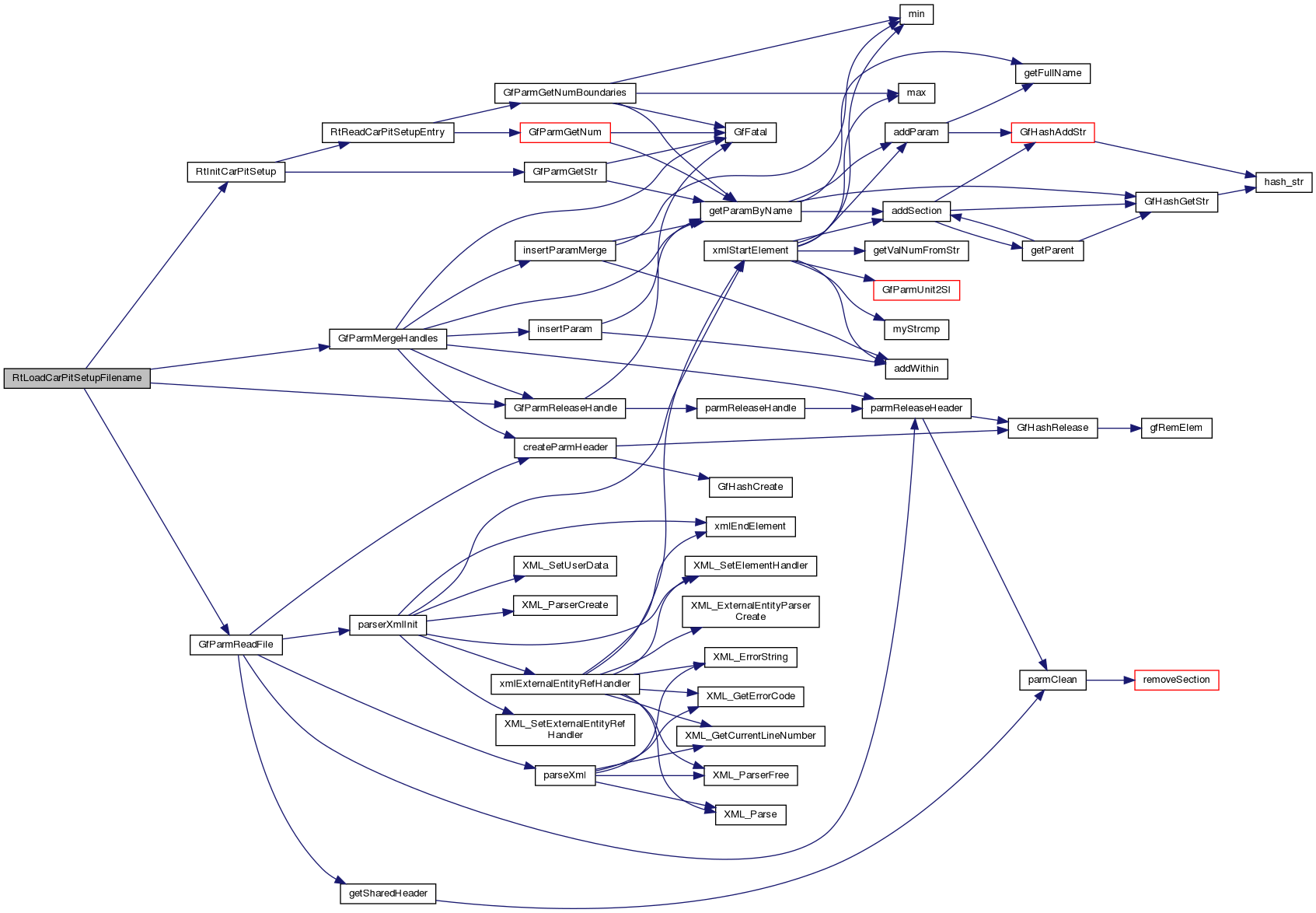
| void * RtLoadOriginalCarSettings | ( | const char * | carname | ) |
Gets a handle to a parameter file containing the original TORCS car setup, that means the car setup merged with the cars category setup.
| [in] | carname | TORCS internal name of the car (directory/filename) |
Definition at line 1127 of file rttrack.cpp.
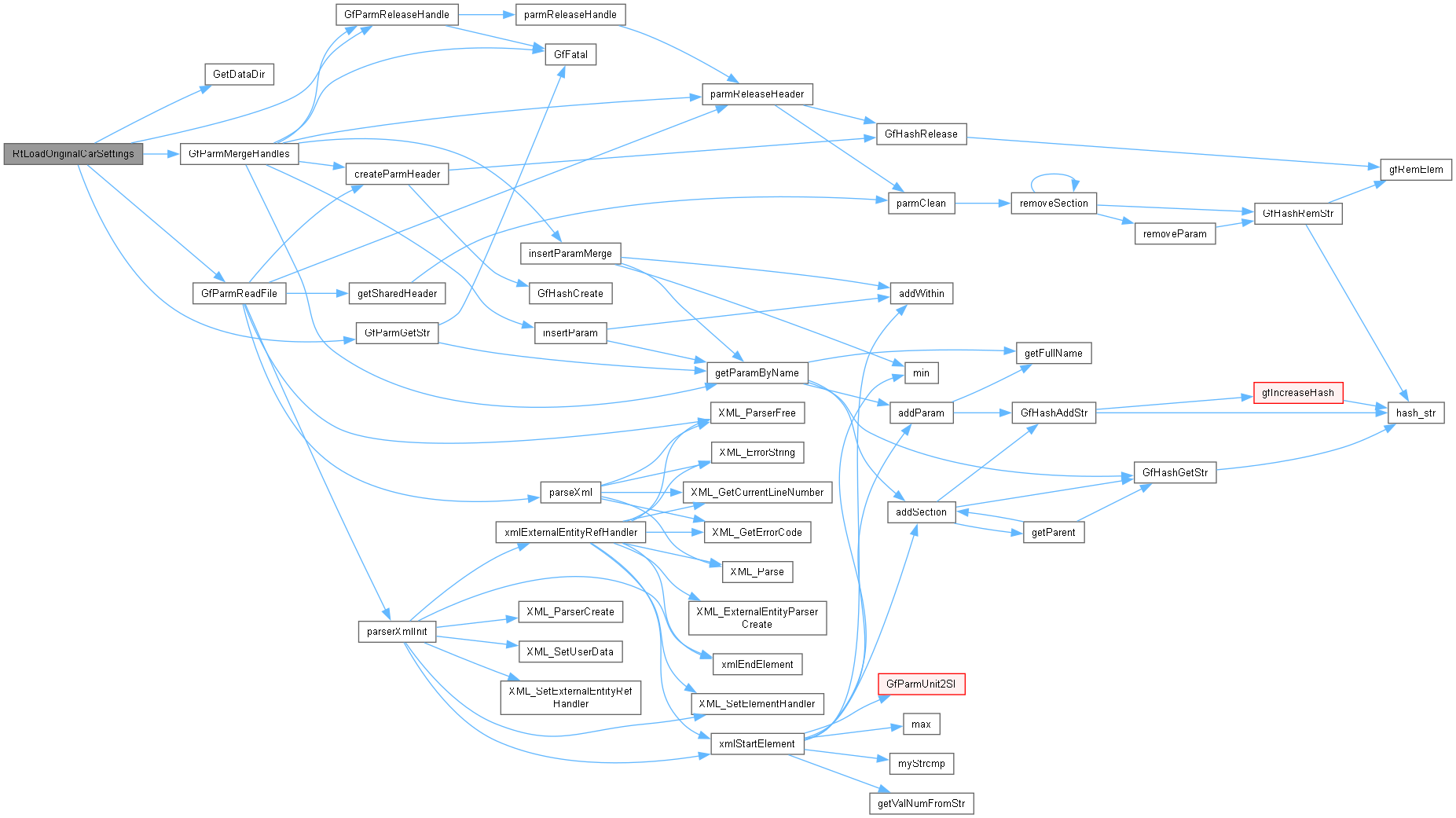
| void * RtParmReadSetup | ( | rtCarPitSetupType | type, |
| const char * | modulename, | ||
| int | robidx, | ||
| const char * | trackname, | ||
| const char * | carname ) |
Load a custom car setup file for a given robot, car, track and session (race, practice, qualifying, ...) type.
| [in] | type | Setup type |
| [in] | modulename | Name of robot module without extension |
| [in] | robidx | Index of robot |
| [in] | trackname | TORCS internal name name of track |
| [in] | carname | TORCS internal name car name |
Definition at line 1198 of file rttrack.cpp.
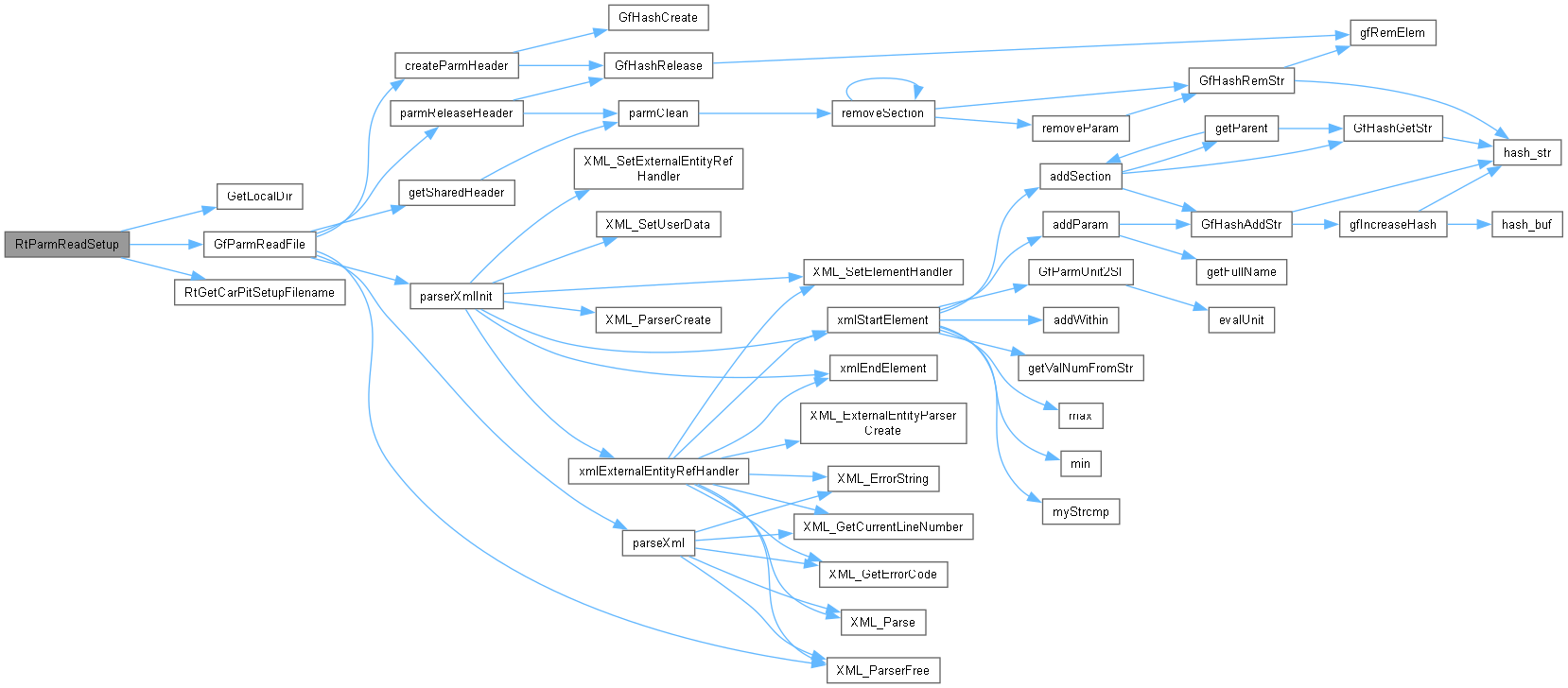
| void RtSaveCarPitSetup | ( | void * | hdlecar, |
| tCarPitSetup * | s, | ||
| rtCarPitSetupType | type, | ||
| const char * | modulename, | ||
| int | robidx, | ||
| const char * | trackname, | ||
| const char * | carname ) |
Save a custom setup in the robot's local setups directory.
Creates the directory under GetLocalDir()/drivers/modulename/setups and calls RtSaveCarPitSetupFile. The void return does not report write success.
| [in] | hdlecar | Handle to "master setup" (parameter set) to validate against (min/max and other checks) |
| [in] | s | Pointer to tCarPitSetup struct to save |
| [in] | type | Setup type |
| [in] | modulename | Name of robot module without extension |
| [in] | robidx | Index of robot |
| [in] | trackname | TORCS internal name name of track |
| [in] | carname | TORCS internal name car name |
Definition at line 991 of file rttrack.cpp.
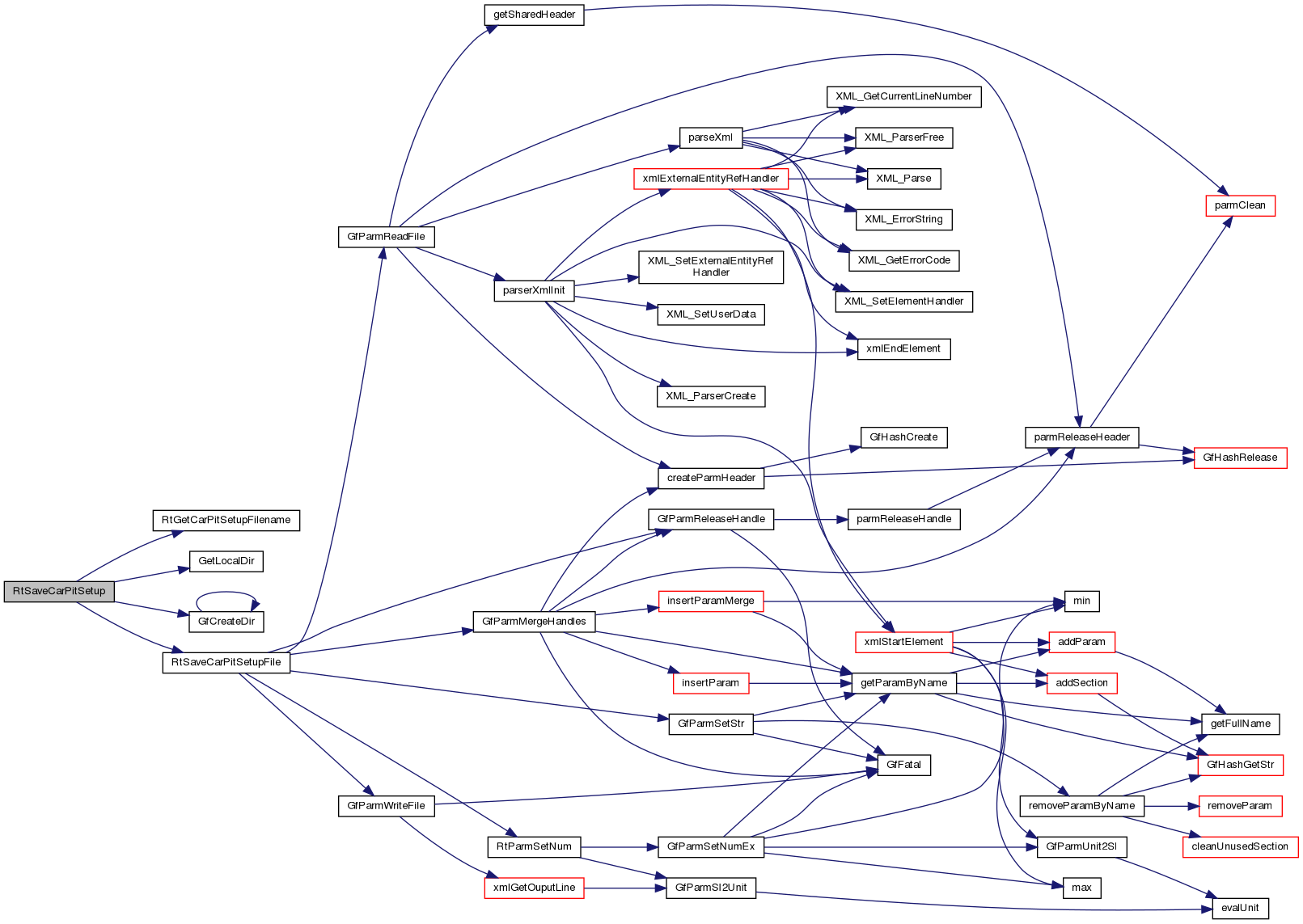
| void RtSaveCarPitSetupFile | ( | void * | hdlecar, |
| tCarPitSetup * | s, | ||
| const char * | filepath, | ||
| const char * | carname ) |
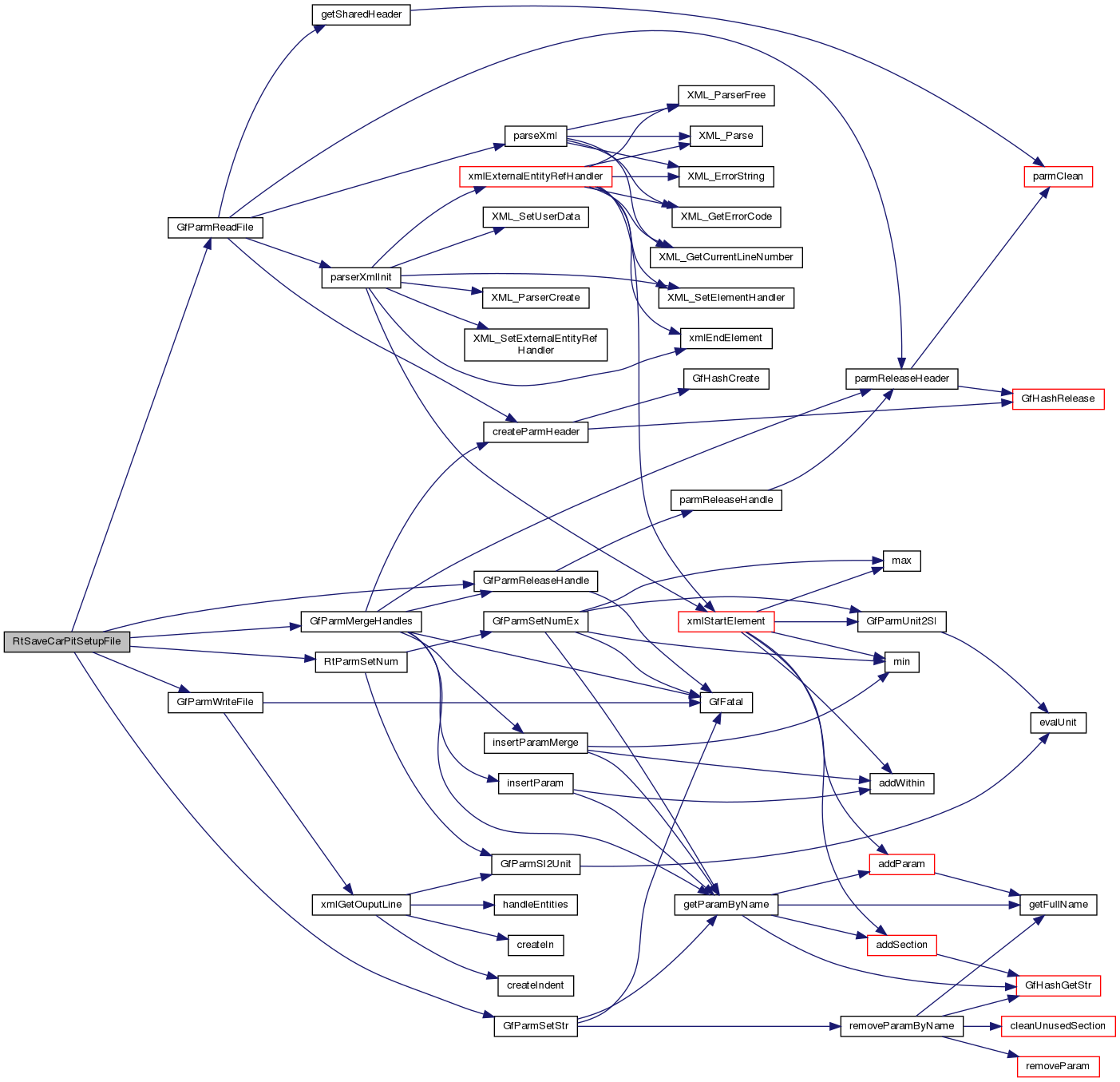
Save adjustable setup entries to a file, merging them with hdlecar's restrictions.
Numeric entries are written when abs(min-max) is at least 0.0001 in SI units; fixed entries are skipped. Existing file entries are retained unless replaced. Uses GfParmMergeHandles with DST, not a full validation pass. The void return does not report write success; the parent directory must already exist.
| [in] | hdlecar | Handle to "master setup" (parameter set) to validate against (min/max and other checks) |
| [in] | s | Pointer to tCarPitSetup struct to save |
| [in] | filepath | Full path to setup file |
| [in] | carname | TORCS internal name car name |
Definition at line 888 of file rttrack.cpp.
 1.14.0