Create and manage menu screens, widgets and input callbacks. More...
Functions | |
| void | GfuiDisplayNothing (void) |
| GLUT display callback that performs no drawing or buffer swap. | |
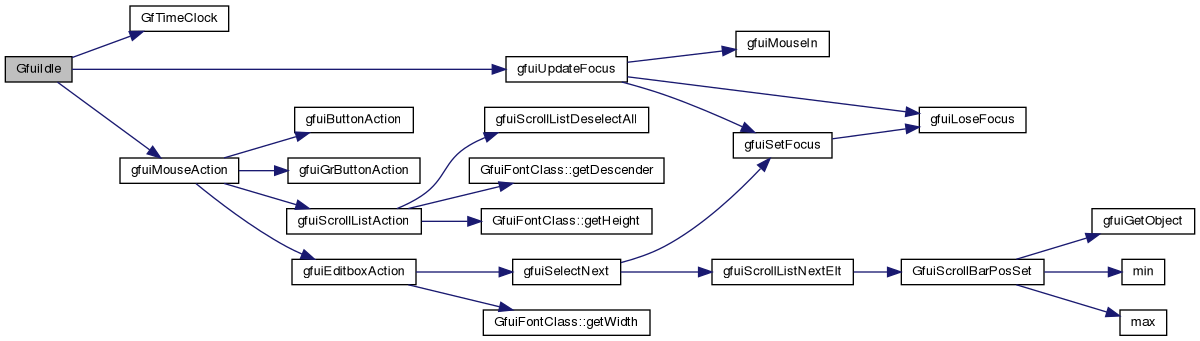
| void | GfuiIdle (void) |
| Process held-mouse-button repeat actions on the active screen. | |
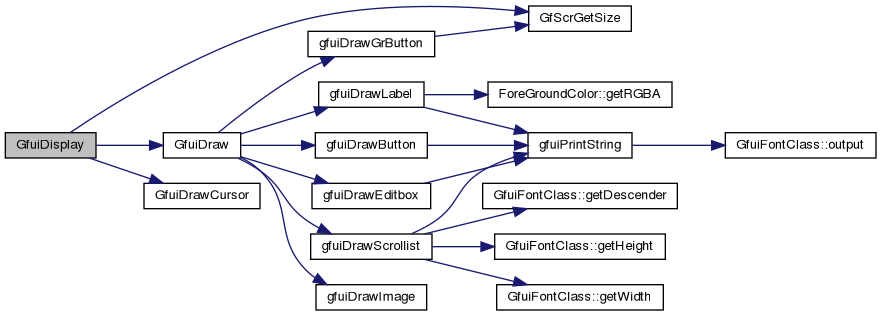
| void | GfuiDisplay (void) |
| Draw the active GUI screen and swap the GLUT buffers. | |
| void | GfuiMouseHide (void) |
| Disallow the software mouse cursor on the active screen. | |
| void | GfuiMouseShow (void) |
| Allow the software mouse cursor on the active screen. | |
| tMouseInfo * | GfuiMouseInfo (void) |
| Get the GUI's current mouse state. | |
| void | GfuiMouseSetPos (int x, int y) |
| Set the mouse position. | |
| int | GfuiScreenIsActive (void *screen) |
| Tell if the screen is active or not. | |
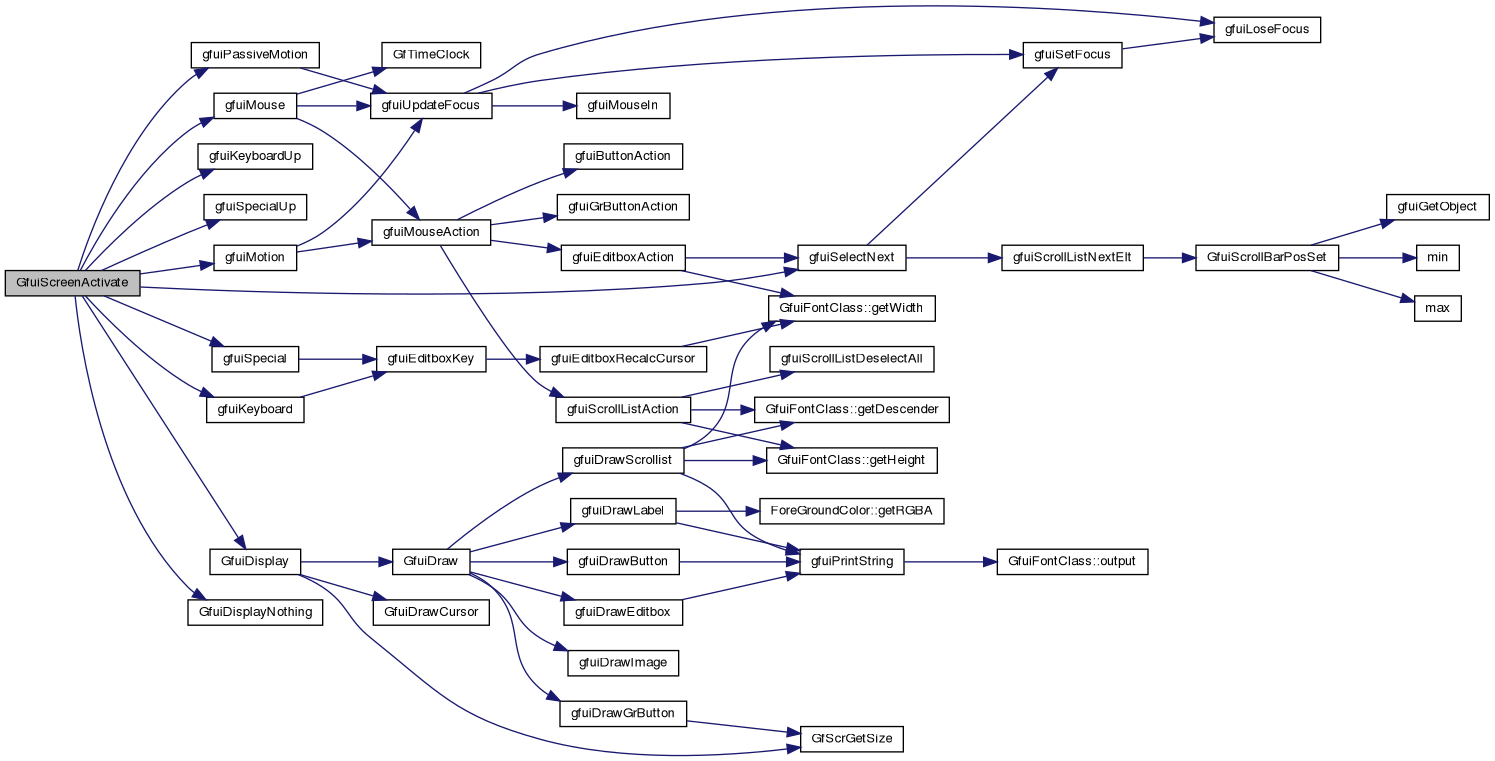
| void | GfuiScreenActivate (void *screen) |
| Activate a screen and make it current. | |
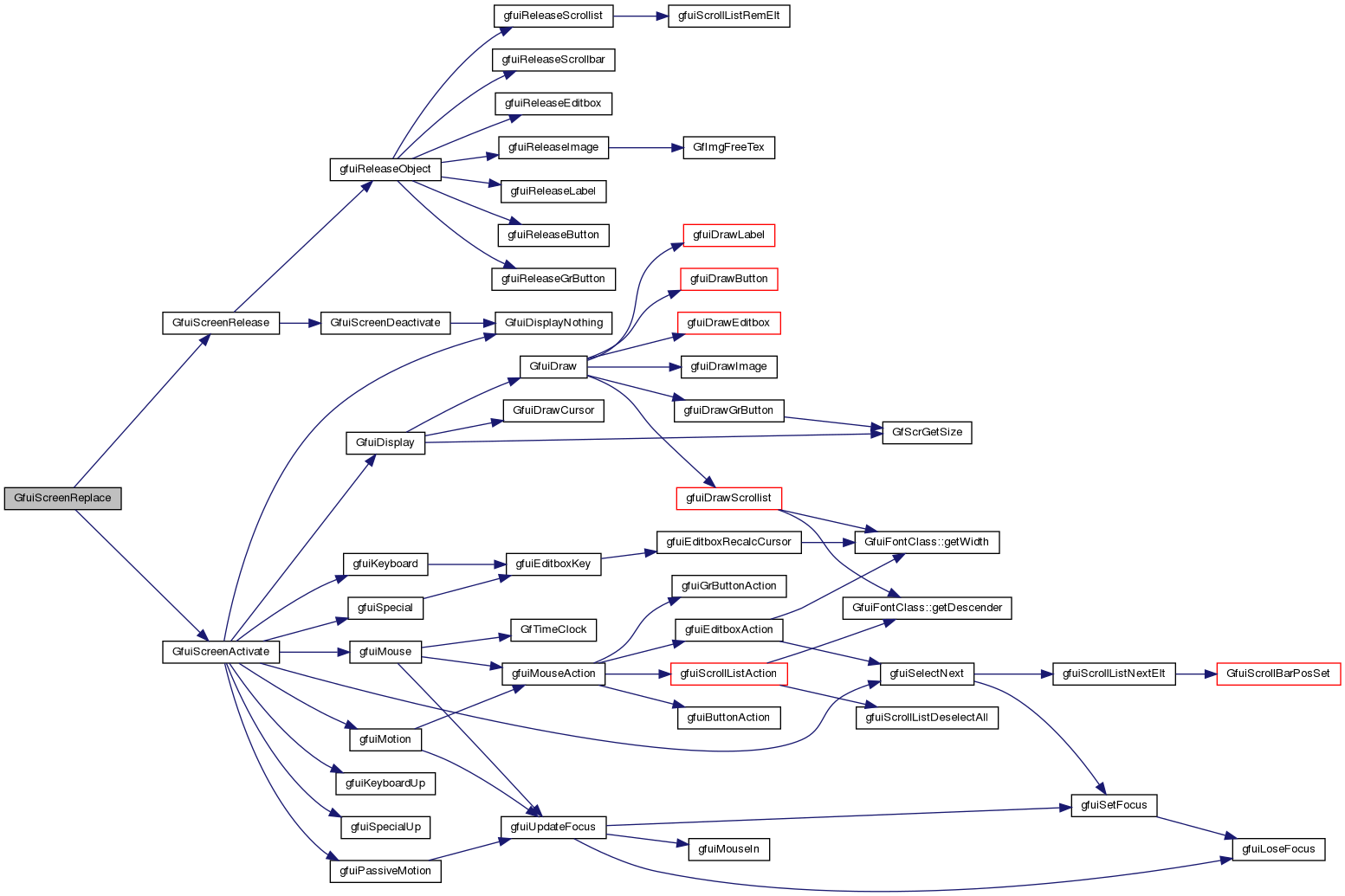
| void | GfuiScreenReplace (void *screen) |
| Activate a screen and make it current plus release the current screen. | |
| void | GfuiScreenDeactivate (void) |
| Deactivate the current screen. | |
| void * | GfuiScreenCreate (void) |
| Create a new screen. | |
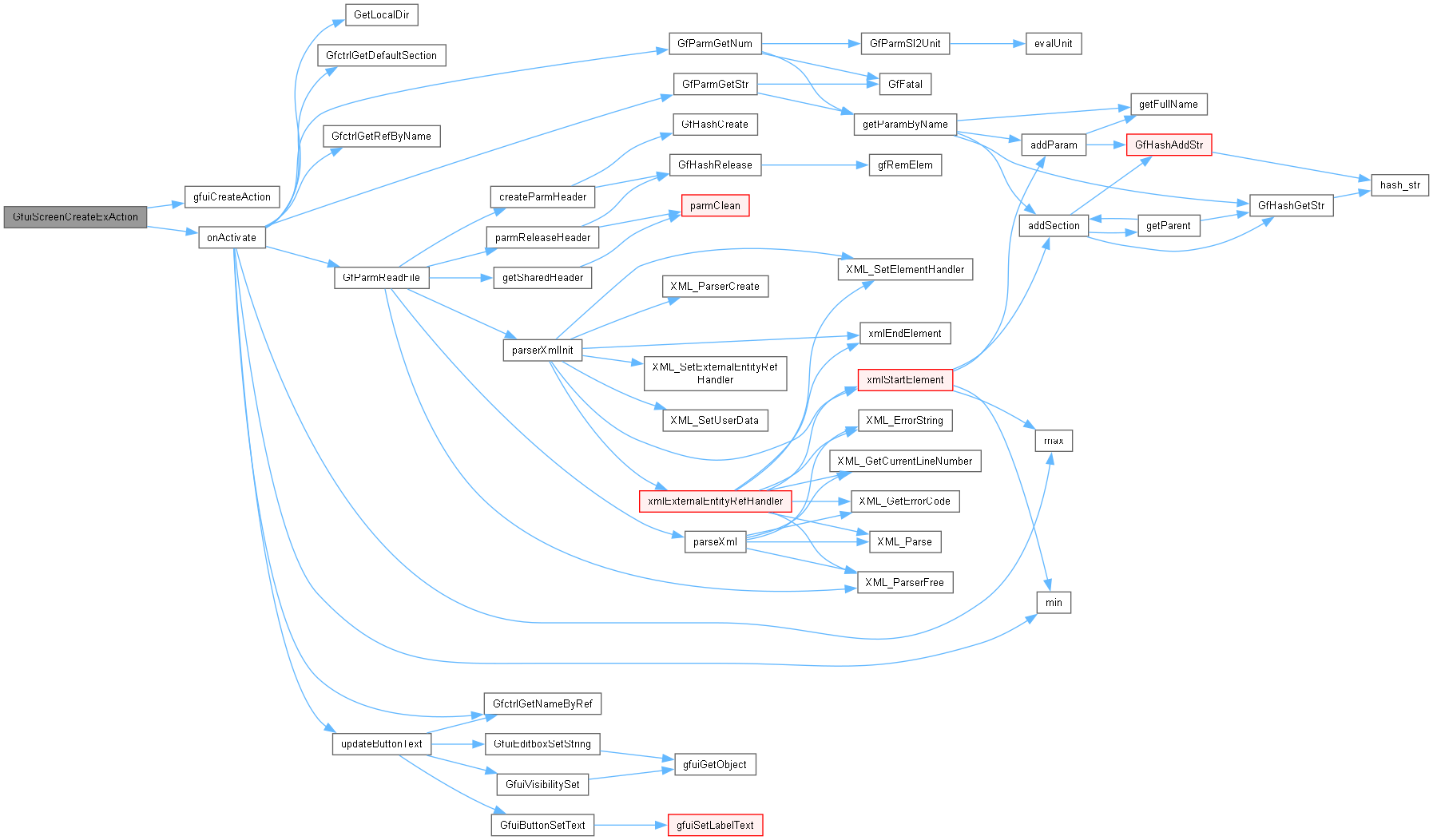
| void * | GfuiScreenCreateExAction (float *bgColor, const tGfuiAction &onActivate, const tGfuiAction &onDeactivate, int mouseAllowed) |
| Create a screen. | |
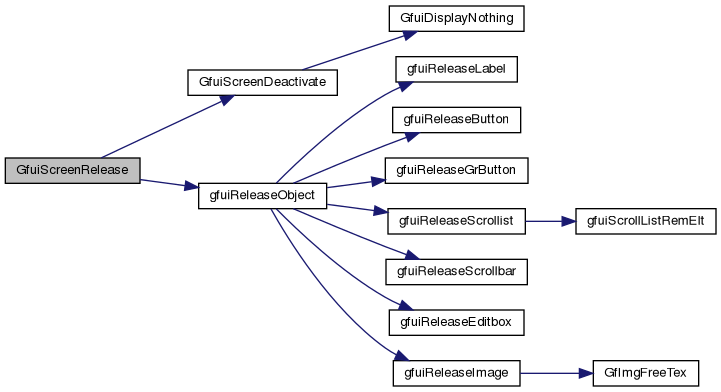
| void | GfuiScreenRelease (void *scr) |
| Release the given screen. | |
| void * | GfuiHookCreateAction (const tGfuiAction &onActivate) |
| Create a callback hook. | |
| void | GfuiHookRelease (void *hook) |
| Release the given hook. | |
| void | GfuiAddKeyAction (void *scr, unsigned char key, const char *descr, const tGfuiAction &onKeyPressed, const tGfuiAction &onKeyReleased) |
| Add a Keyboard callback to a screen. | |
| void | GfuiRegisterKeyAction (unsigned char key, char *descr, const tGfuiAction &onKeyPressed, const tGfuiAction &onKeyReleased) |
| Add a Keyboard callback to the current screen. | |
| void | GfuiAddSKeyAction (void *scr, int key, const char *descr, const tGfuiAction &onKeyPressed, const tGfuiAction &onKeyReleased) |
| Add a Special Keyboard shortcut to the screen. | |
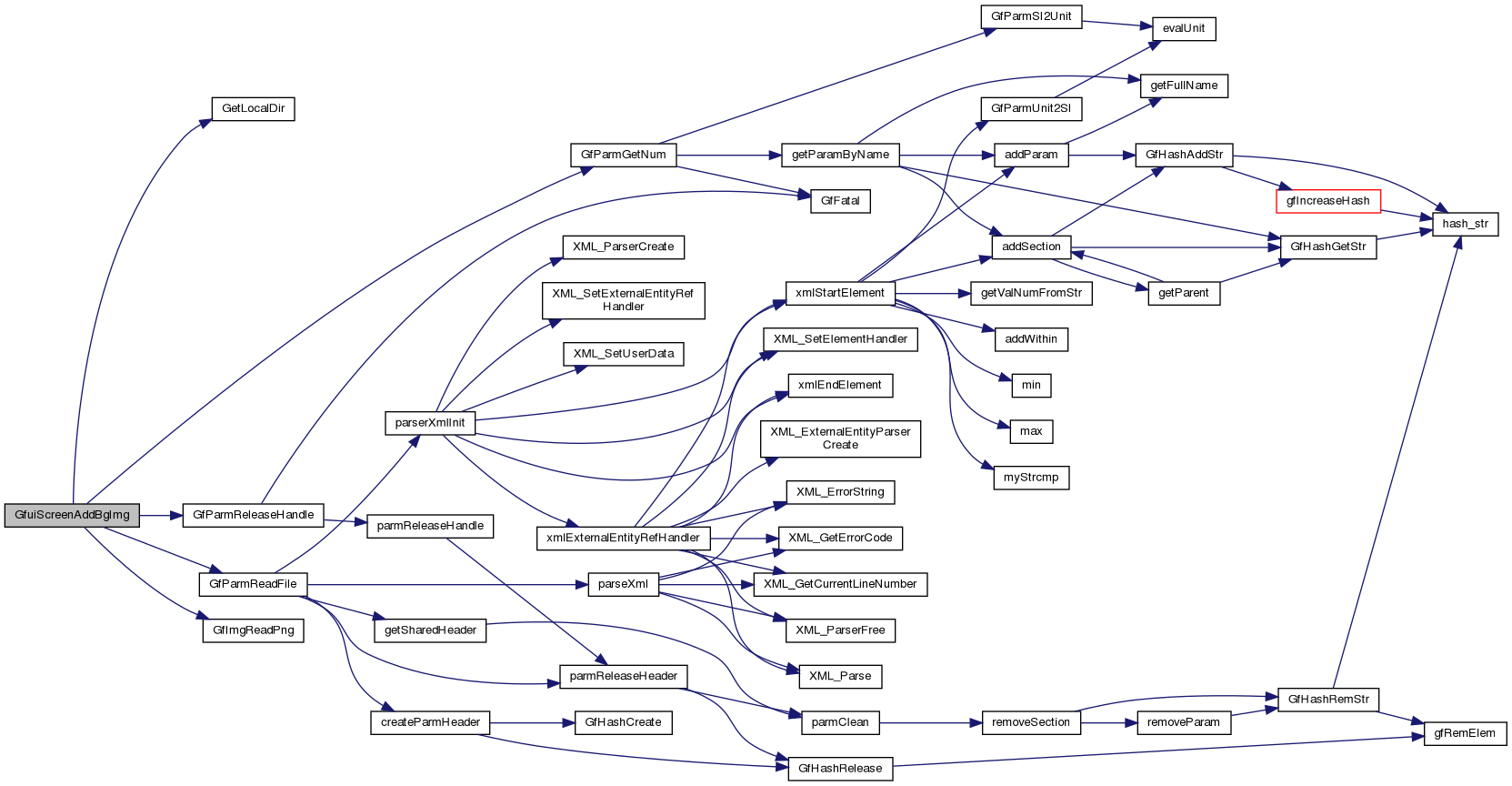
| void | GfuiScreenAddBgImg (void *scr, const char *filename) |
| Add an image background to a screen. | |
| int | GfuiGrButtonCreateAction (void *scr, const char *disabled, const char *enabled, const char *focused, const char *pushed, int x, int y, int align, int mouse, const tGfuiAction &onPush, const tGfuiAction &onFocus, const tGfuiAction &onFocusLost) |
| Add a graphical button to a screen. | |
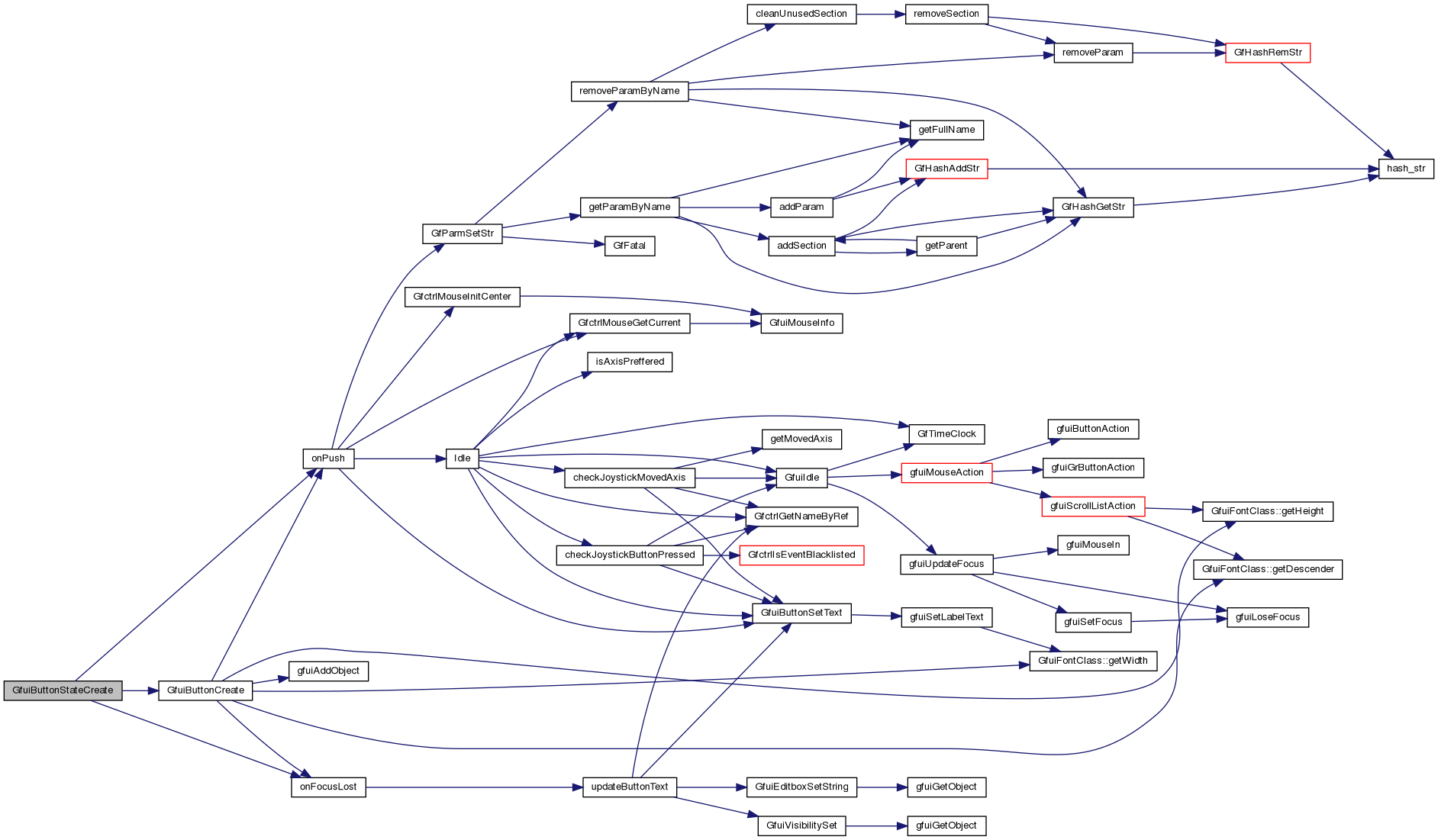
| int | GfuiButtonStateCreate (void *scr, const char *text, int font, int x, int y, int width, int align, int mouse, void *userDataOnPush, tfuiCallback onPush, void *userDataOnFocus, tfuiCallback onFocus, tfuiCallback onFocusLost) |
| Add a state button to a screen. | |
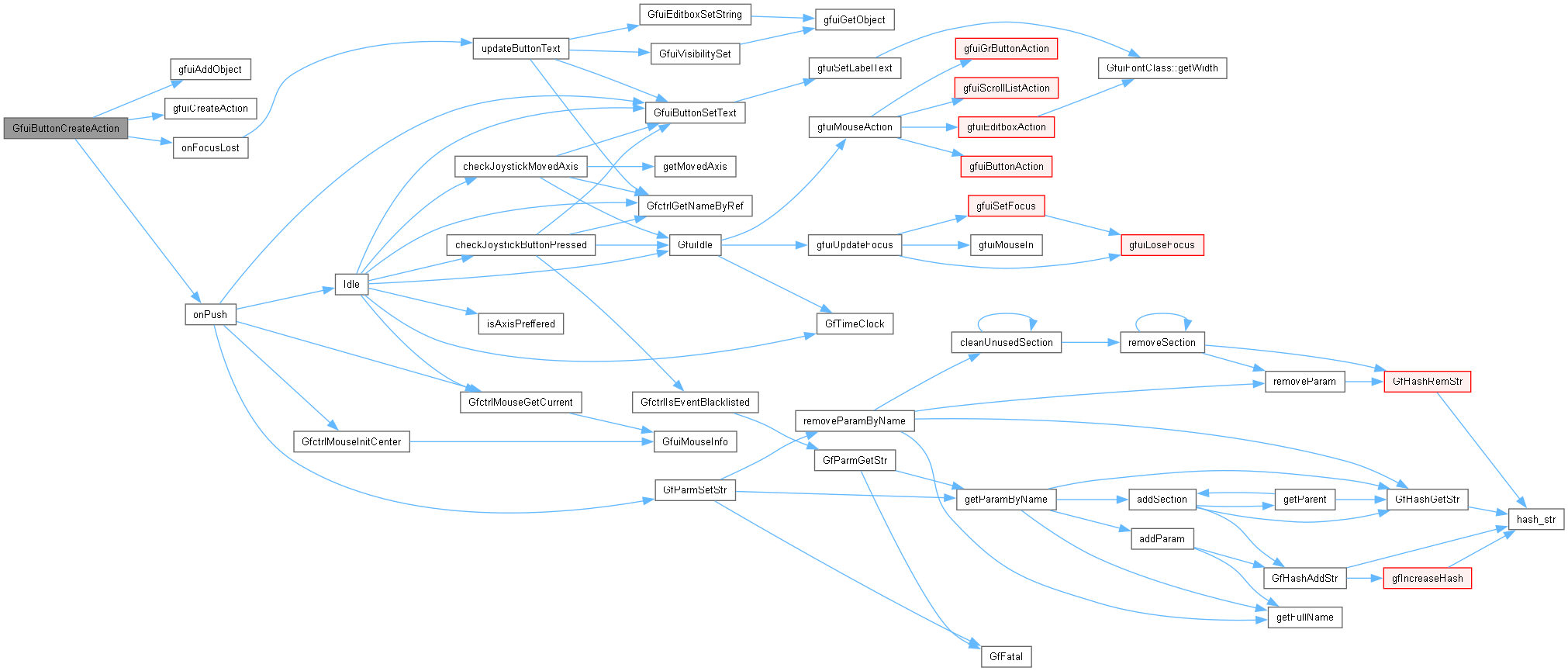
| int | GfuiButtonCreateAction (void *scr, const char *text, int font, int x, int y, int width, int align, int mouse, const tGfuiAction &onPush, const tGfuiAction &onFocus, const tGfuiAction &onFocusLost) |
| Add a button to a screen. | |
| void | GfuiButtonSetText (void *scr, int id, const char *text) |
| Change the label of a button. | |
| int | GfuiButtonGetFocused (void) |
| Get the Id of the button focused in the current screen. | |
| int | GfuiEditboxCreateAction (void *scr, const char *text, int font, int x, int y, int width, int maxlen, const tGfuiAction &onFocus, const tGfuiAction &onFocusLost, int margin) |
| Add an edit box to a screen. | |
| int | GfuiEditboxGetFocused (void) |
| Get the Id of the editbox focused in the current screen. | |
| char * | GfuiEditboxGetString (void *scr, int id) |
| Get the current text of an edit box. | |
| void | GfuiEditboxSetString (void *scr, int id, const char *text) |
| Set a new string. | |
| void | GfuiHelpScreen (void *prevScreen) |
| Generate a help screen. | |
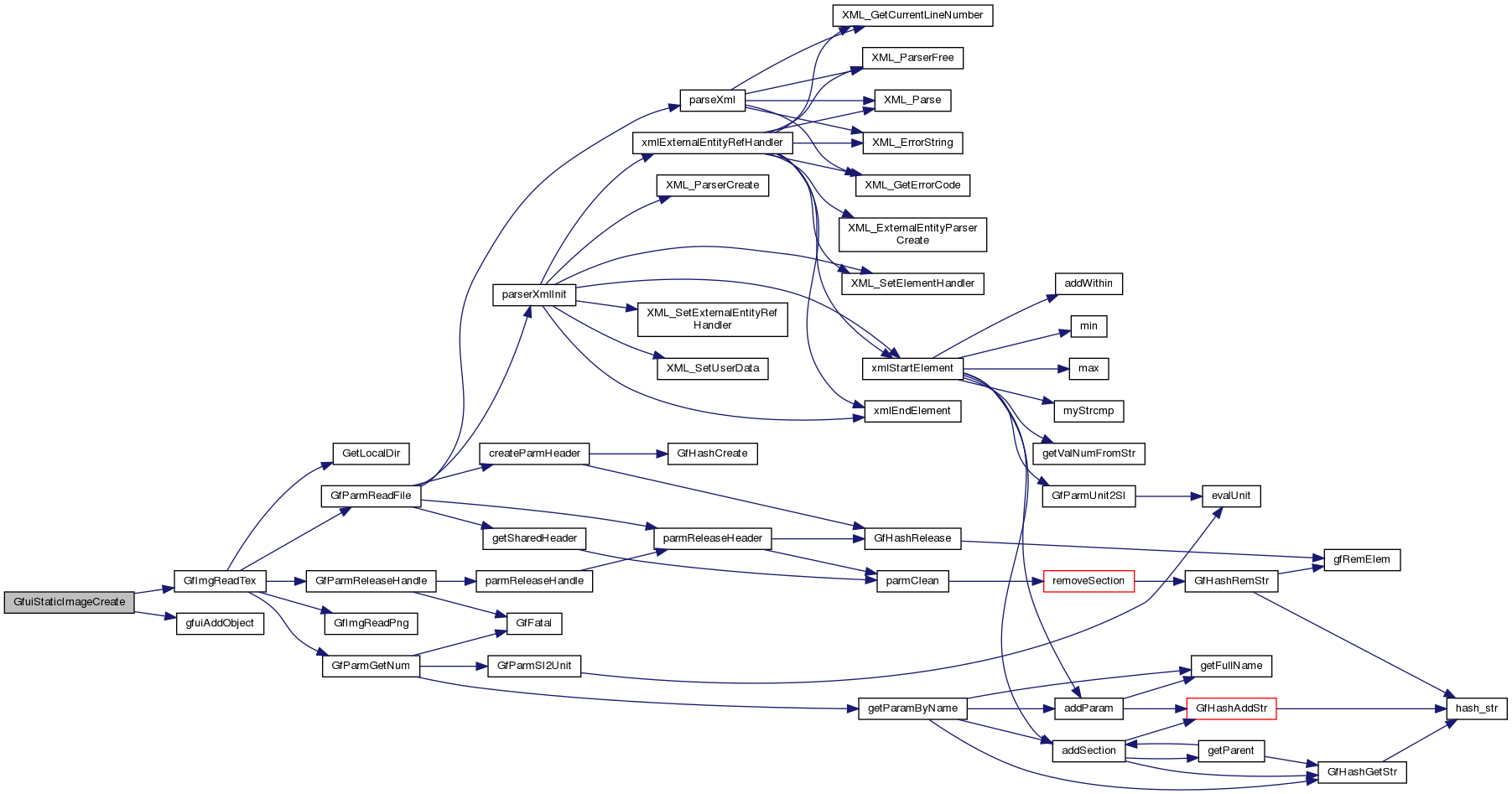
| int | GfuiStaticImageCreate (void *scr, int x, int y, int w, int h, char *name) |
| Create a new static image. | |
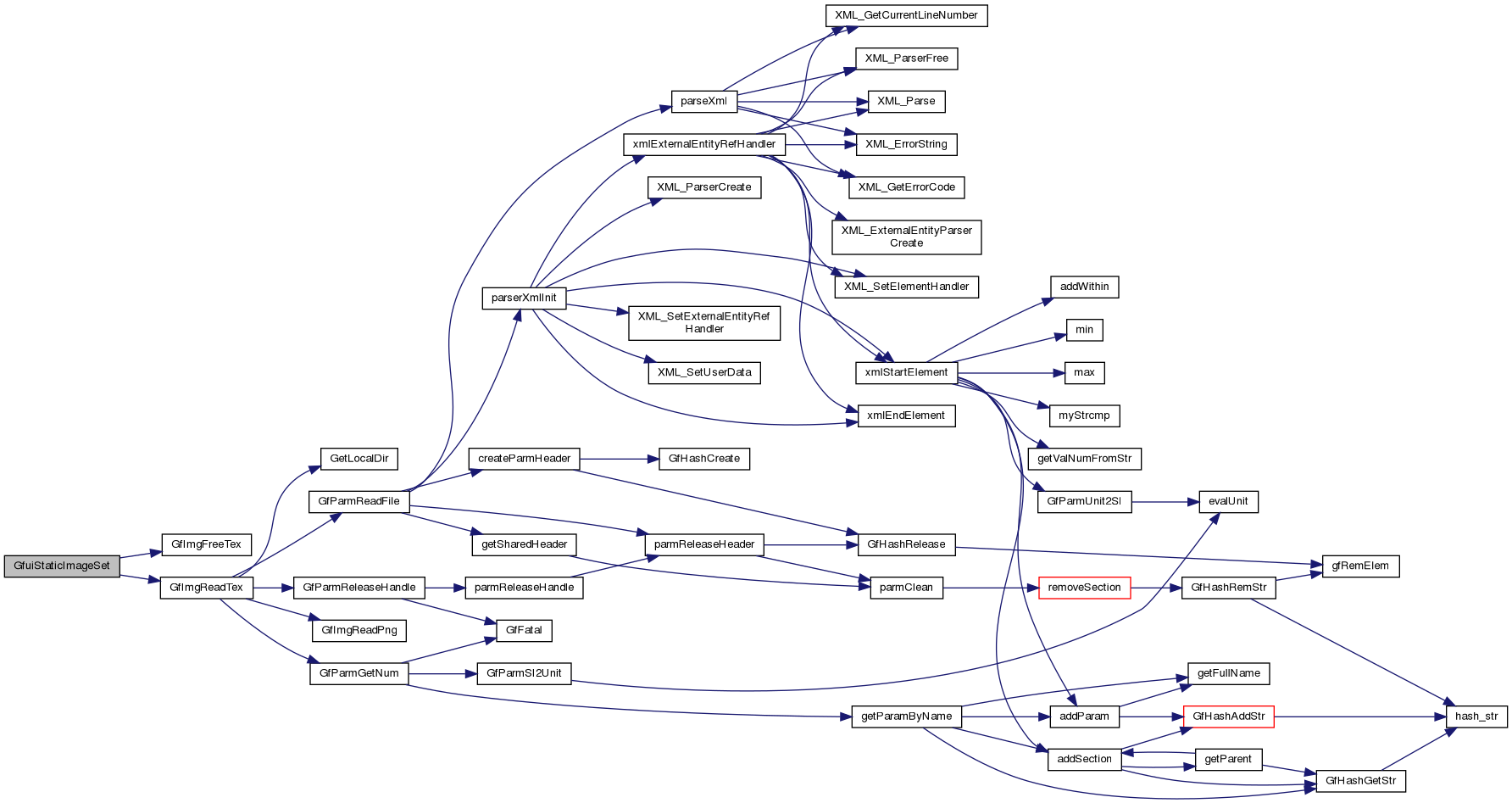
| void | GfuiStaticImageSet (void *scr, int id, char *name) |
| Replace an image by another one. | |
| int | GfuiLabelCreateEx (void *scr, const char *text, float *fgColor, int font, int x, int y, int align, int maxlen) |
| Create a new label (extended version). | |
| int | GfuiLabelCreate (void *scr, const char *text, int font, int x, int y, int align, int maxlen) |
| Add a label to a screen. | |
| int | GfuiTipCreate (void *scr, const char *text, int maxlen) |
| Add a Tip (generally associated with a button). | |
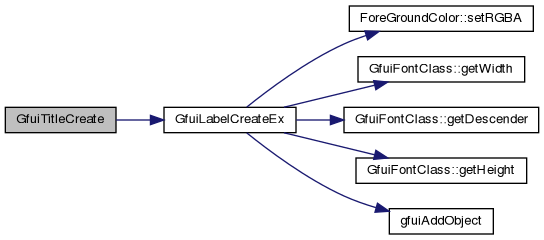
| int | GfuiTitleCreate (void *scr, const char *text, int maxlen) |
| Add a Title to the screen. | |
| void | GfuiLabelSetText (void *scr, int id, const char *text) |
| Change the text of a label. | |
| void | GfuiLabelSetColor (void *scr, int id, float *color) |
| Change the color of a label. | |
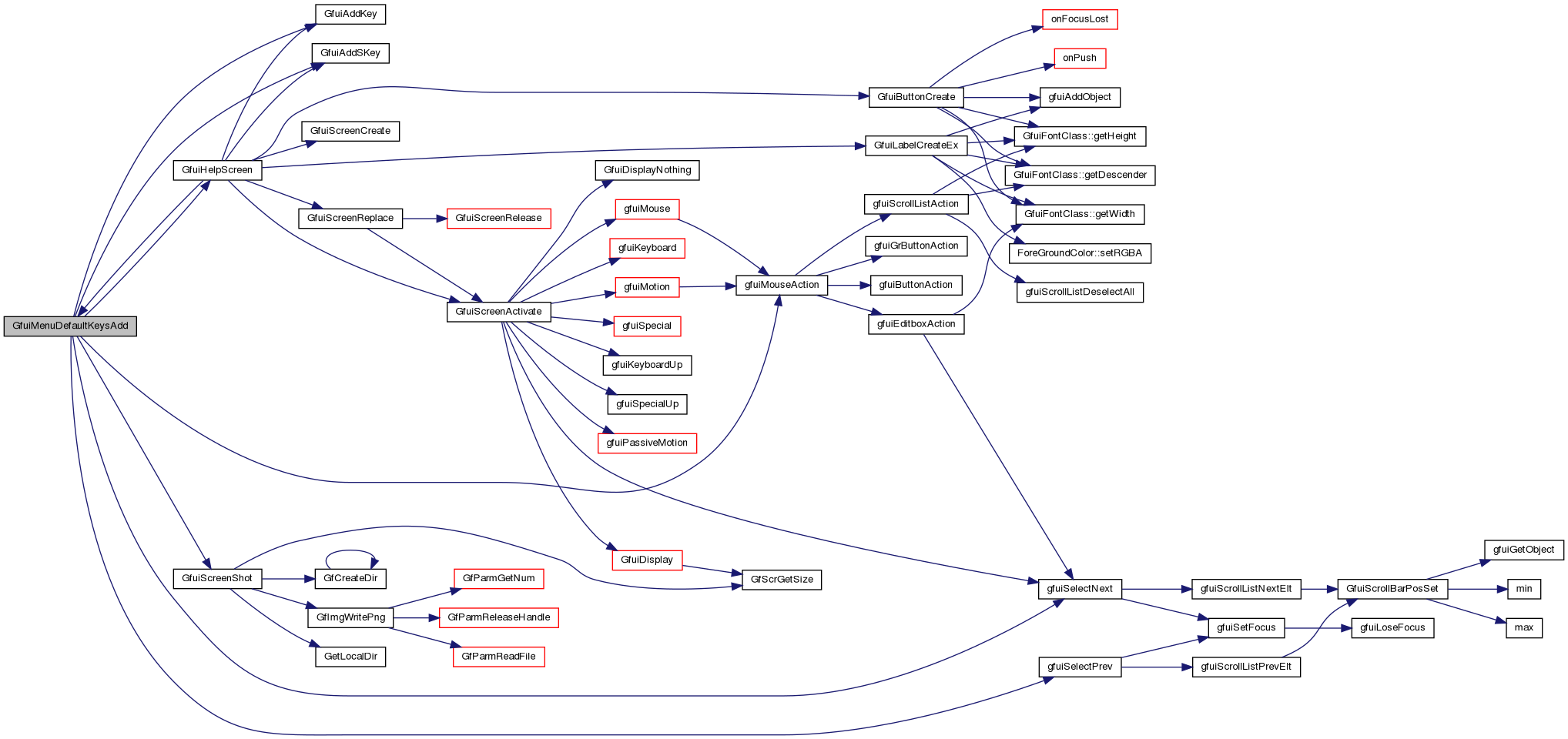
| void | GfuiMenuDefaultKeysAdd (void *scr) |
| Add the default menu keyboard callback to a screen. | |
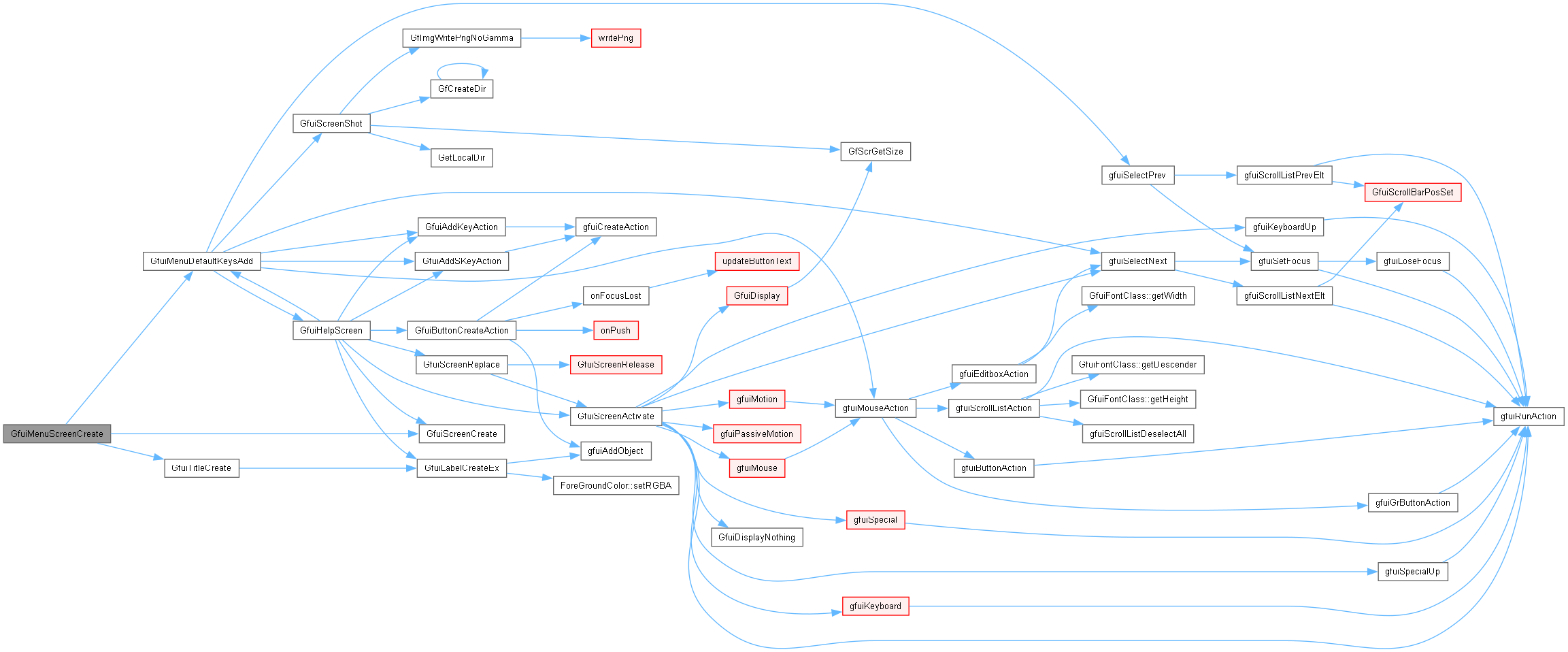
| void * | GfuiMenuScreenCreate (const char *title) |
| Create a new menu screen. | |
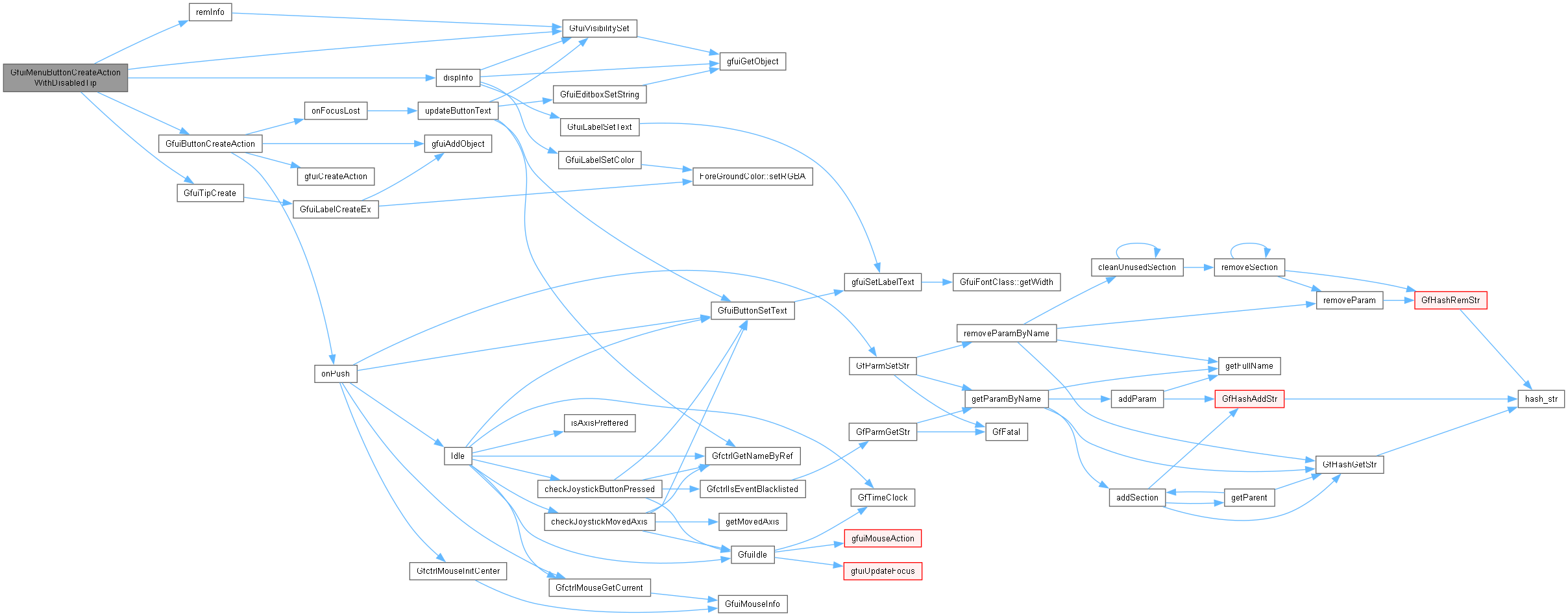
| int | GfuiMenuButtonCreateActionWithDisabledTip (void *scr, const char *text, const char *tip, const char *disabledTip, const tGfuiAction &onpush) |
| Add a button to a menu screen. | |
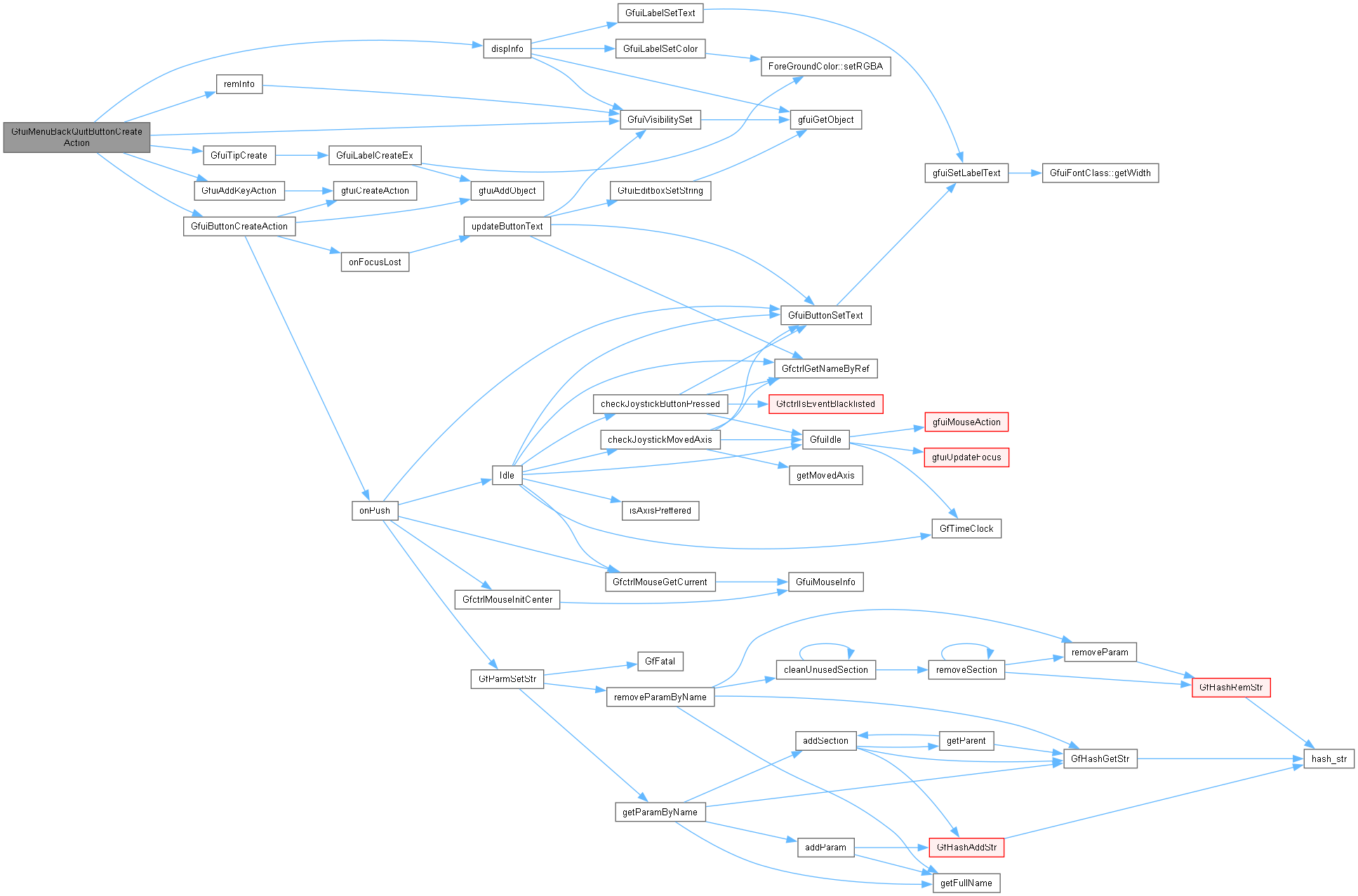
| int | GfuiMenuBackQuitButtonCreateAction (void *scr, const char *text, const char *tip, const tGfuiAction &onpush) |
| Add the "Back" or "Quit" button at the bottom of the menu screen. | |
| void | GfuiUnSelectCurrent (void) |
| Remove focus from the active screen's current widget. | |
| int | GfuiVisibilitySet (void *scr, int id, int visible) |
| Set/unset the visibility attribute of an object. | |
| int | GfuiEnable (void *scr, int id, int flag) |
| Enable / Disable an object. | |
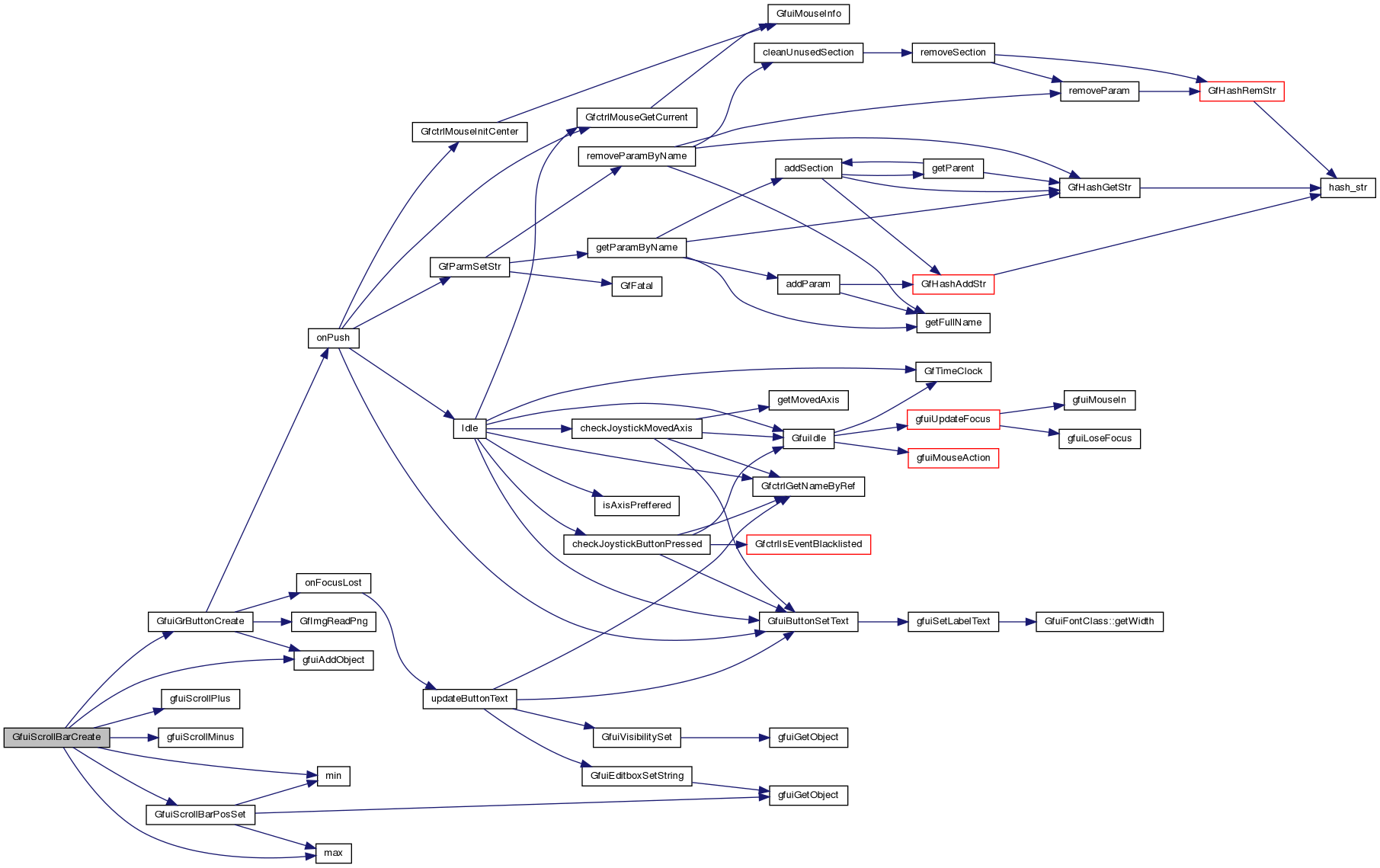
| int | GfuiScrollBarCreate (void *scr, int x, int y, int align, int width, int orientation, int min, int max, int len, int start, void *userData, tfuiSBCallback onScroll) |
| Create a new scroll bar. | |
| int | GfuiScrollBarPosGet (void *scr, int id) |
| Get the current position of a scroll bar. | |
| void | GfuiScrollBarPosSet (void *scr, int id, int min, int max, int len, int start) |
| Set new values for position. | |
| int | GfuiScrollListCreateAction (void *scr, int font, int x, int y, int align, int width, int height, int scrollBarPos, const tGfuiAction &onSelect) |
| Create a new scroll list. | |
| char * | GfuiScrollListGetSelectedElement (void *scr, int Id, void **userData) |
| Get the selected element from the scroll list. | |
| char * | GfuiScrollListGetElement (void *scr, int Id, int index, void **userData) |
| Get the specified element from the scroll list. | |
| char * | GfuiScrollListExtractSelectedElement (void *scr, int Id, void **userData) |
| Extract the selected element from the scroll list (removed). | |
| char * | GfuiScrollListExtractElement (void *scr, int Id, int index, void **userData) |
| Extract the specified element from the scroll list. | |
| int | GfuiScrollListInsertElement (void *scr, int Id, char *element, int index, void *userData) |
| Insert an element in a scroll list. | |
| int | GfuiScrollListMoveSelectedElement (void *scr, int Id, int delta) |
| Move the selected element within the scroll list. | |
| void * | GfuiScreenCreateEx (float *bgColor, void *userDataOnActivate, tfuiCallback onActivate, void *userDataOnDeactivate, tfuiCallback onDeactivate, int mouseAllowed) |
| Create a screen using callbacks with caller-supplied data. | |
| void * | GfuiHookCreate (void *userDataOnActivate, tfuiCallback onActivate) |
| Create a callback-only screen hook. | |
| void | GfuiAddKey (void *scr, unsigned char key, const char *descr, void *userData, tfuiCallback onKeyPressed, tfuiCallback onKeyReleased) |
| Bind an ordinary key on a screen using callbacks with caller-supplied data. | |
| void | GfuiRegisterKey (unsigned char key, char *descr, void *userData, tfuiCallback onKeyPressed, tfuiCallback onKeyReleased) |
| Bind an ordinary key on the currently active screen. | |
| void | GfuiAddSKey (void *scr, int key, const char *descr, void *userData, tfuiCallback onKeyPressed, tfuiCallback onKeyReleased) |
| Bind a GLUT special key, such as an arrow or function key, on a screen. | |
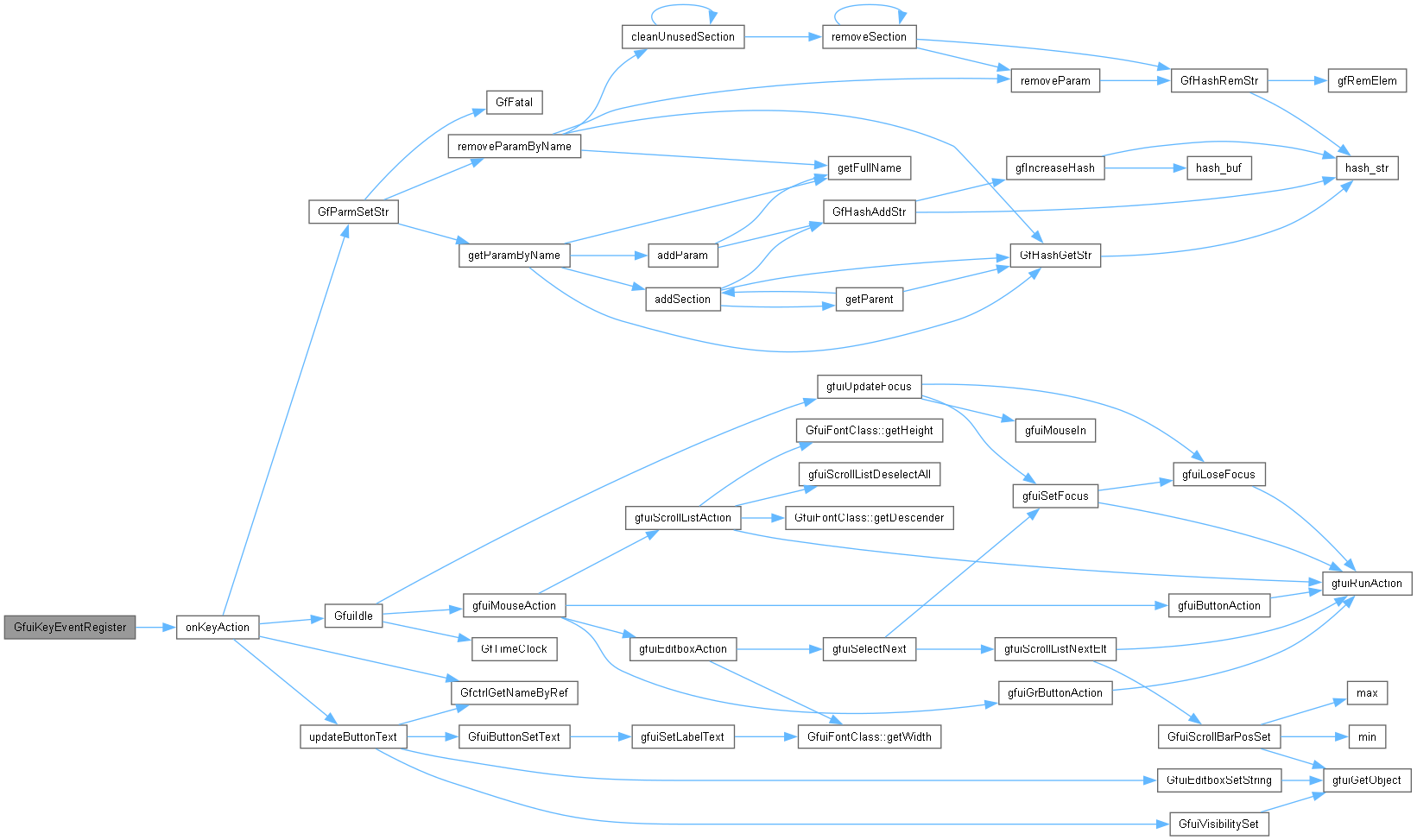
| void | GfuiKeyEventRegister (void *scr, tfuiKeyCallback onKeyAction) |
| Set the ordinary-key event interceptor for a screen. | |
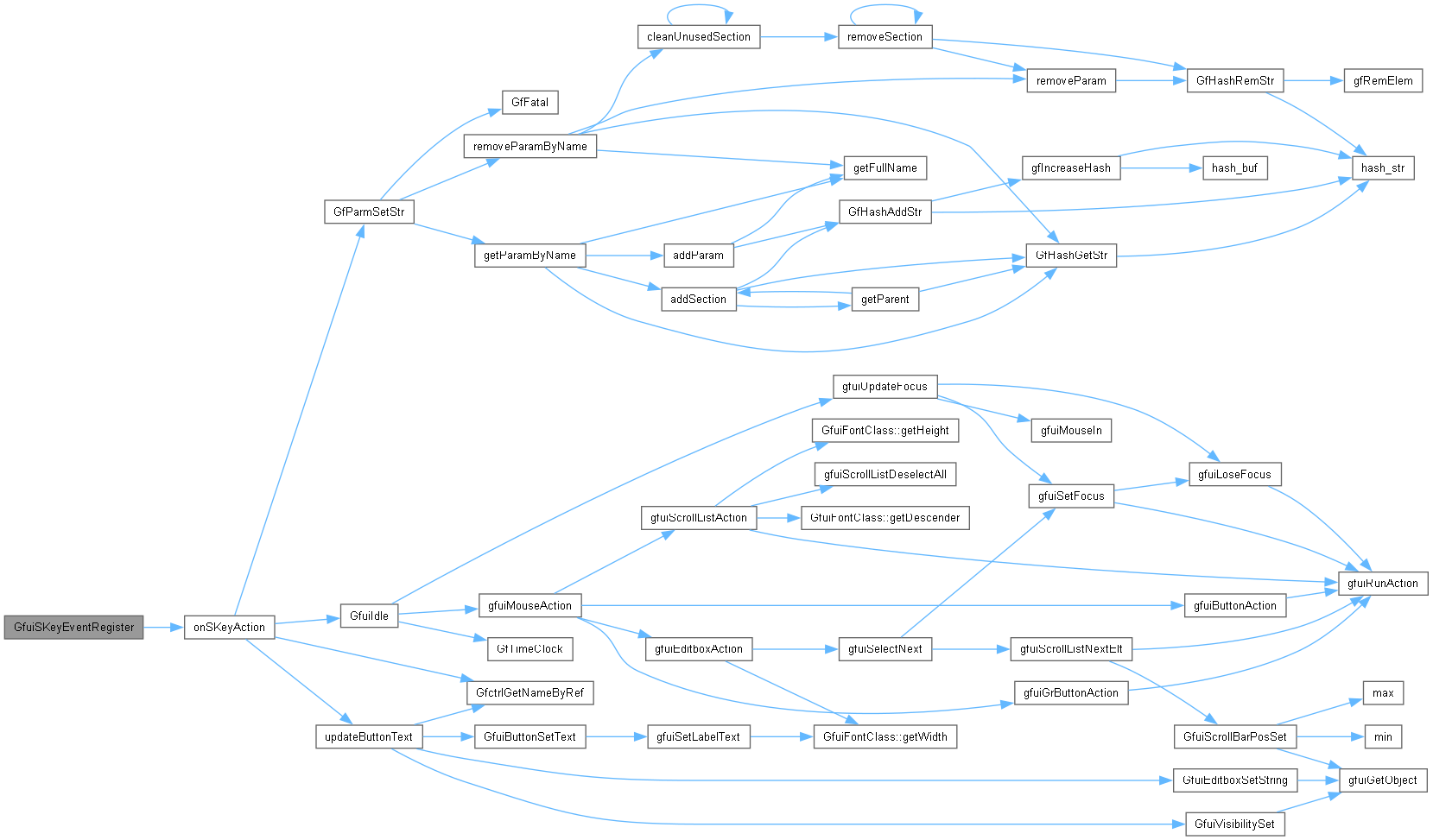
| void | GfuiSKeyEventRegister (void *scr, tfuiSKeyCallback onSKeyAction) |
| Set the special-key event interceptor for a screen. | |
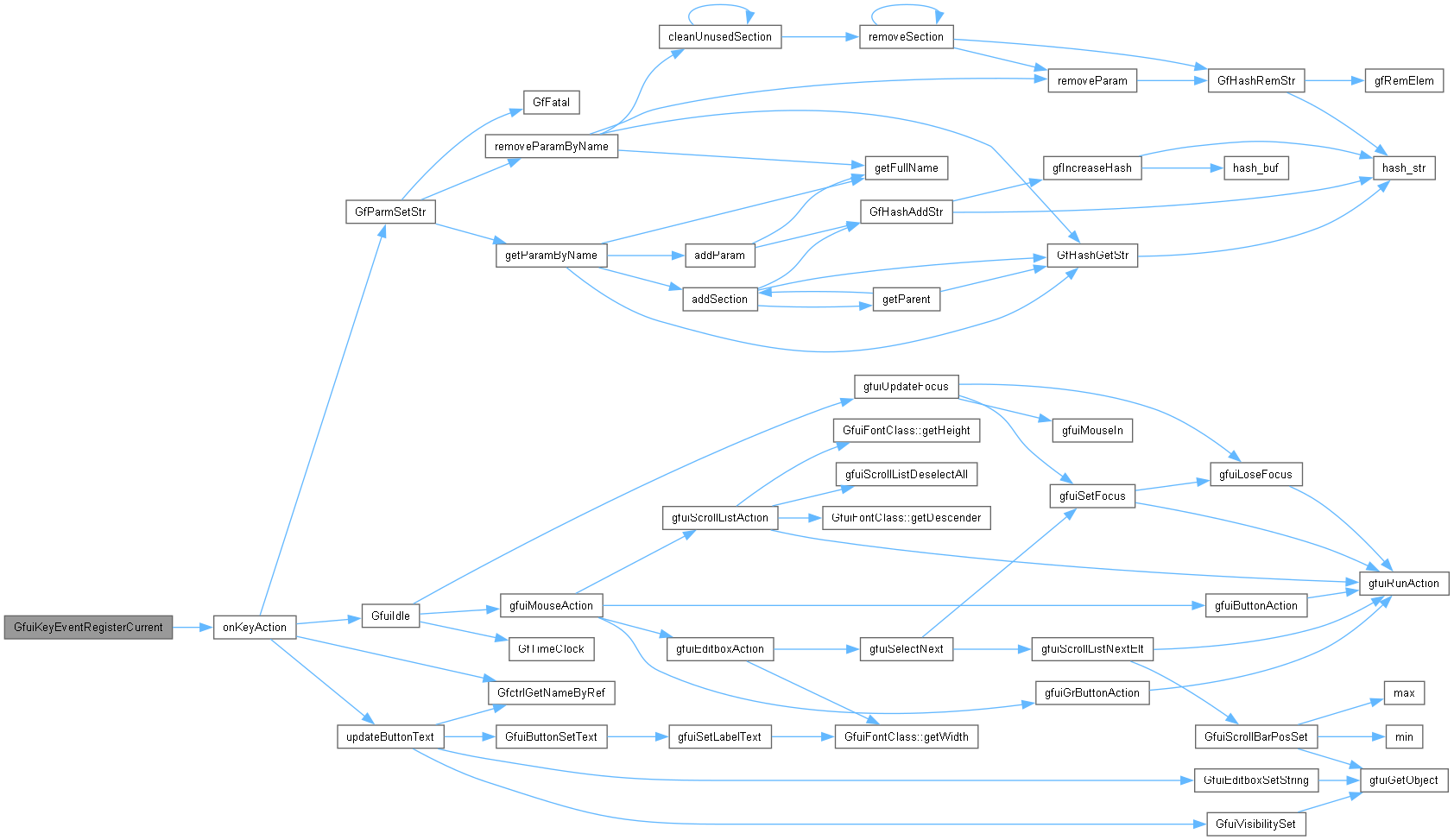
| void | GfuiKeyEventRegisterCurrent (tfuiKeyCallback onKeyAction) |
| Set the ordinary-key interceptor on the currently active screen. | |
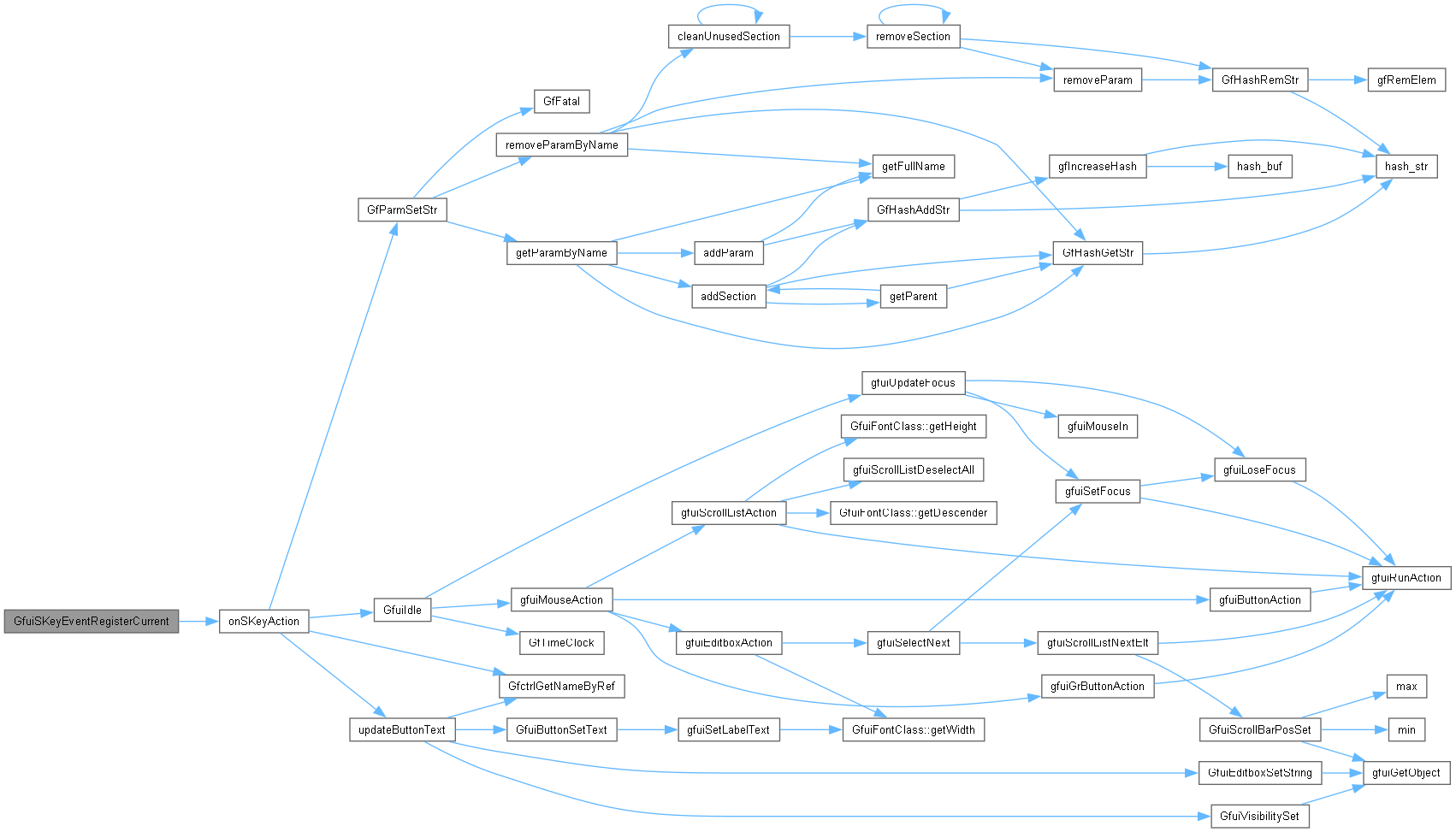
| void | GfuiSKeyEventRegisterCurrent (tfuiSKeyCallback onSKeyAction) |
| Set the special-key interceptor on the currently active screen. | |
| void | GfuiPrintString (const char *text, float *fgColor, int font, int x, int y, int align) |
| Draw text immediately in the current OpenGL context without creating a widget. | |
| int | GfuiFontHeight (int font) |
| Get the height of an initialized GUI font. | |
| int | GfuiFontWidth (int font, const char *text) |
| Measure text using an initialized GUI font. | |
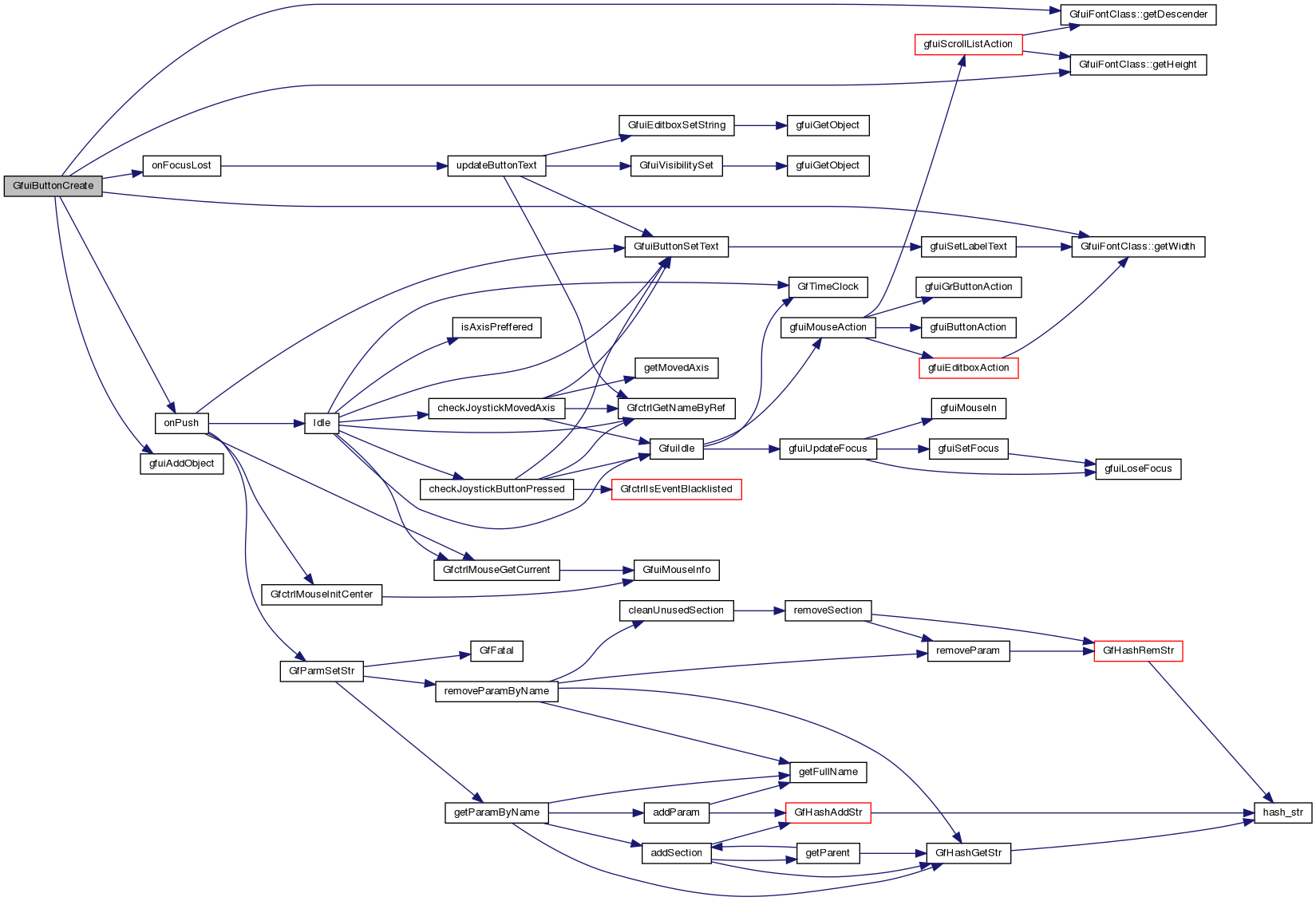
| int | GfuiButtonCreate (void *scr, const char *text, int font, int x, int y, int width, int align, int mouse, void *userDataOnPush, tfuiCallback onPush, void *userDataOnFocus, tfuiCallback onFocus, tfuiCallback onFocusLost) |
| Create a text button using callbacks with caller-supplied data. | |
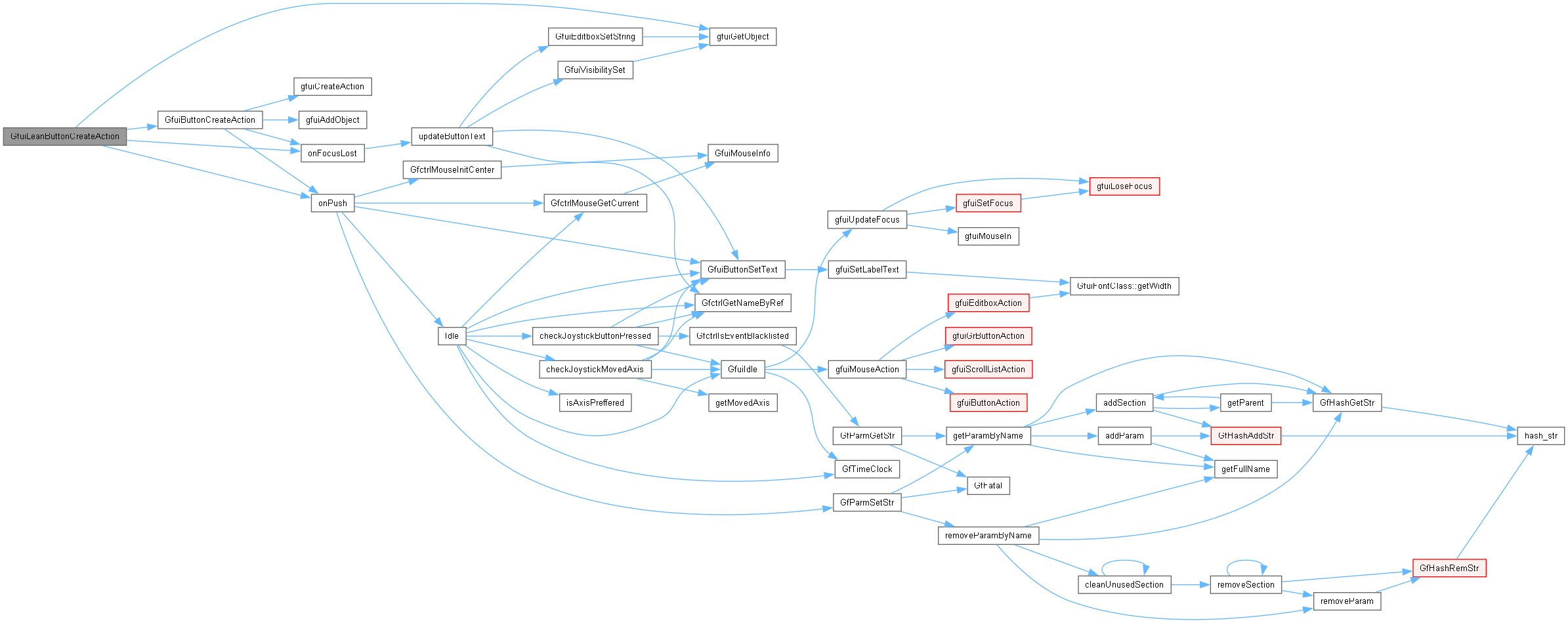
| int | GfuiLeanButtonCreateAction (void *scr, const char *text, int font, int x, int y, int width, int align, int mouse, const tGfuiAction &onPush, const tGfuiAction &onFocus, const tGfuiAction &onFocusLost) |
| Create a text button without horizontal margins. | |
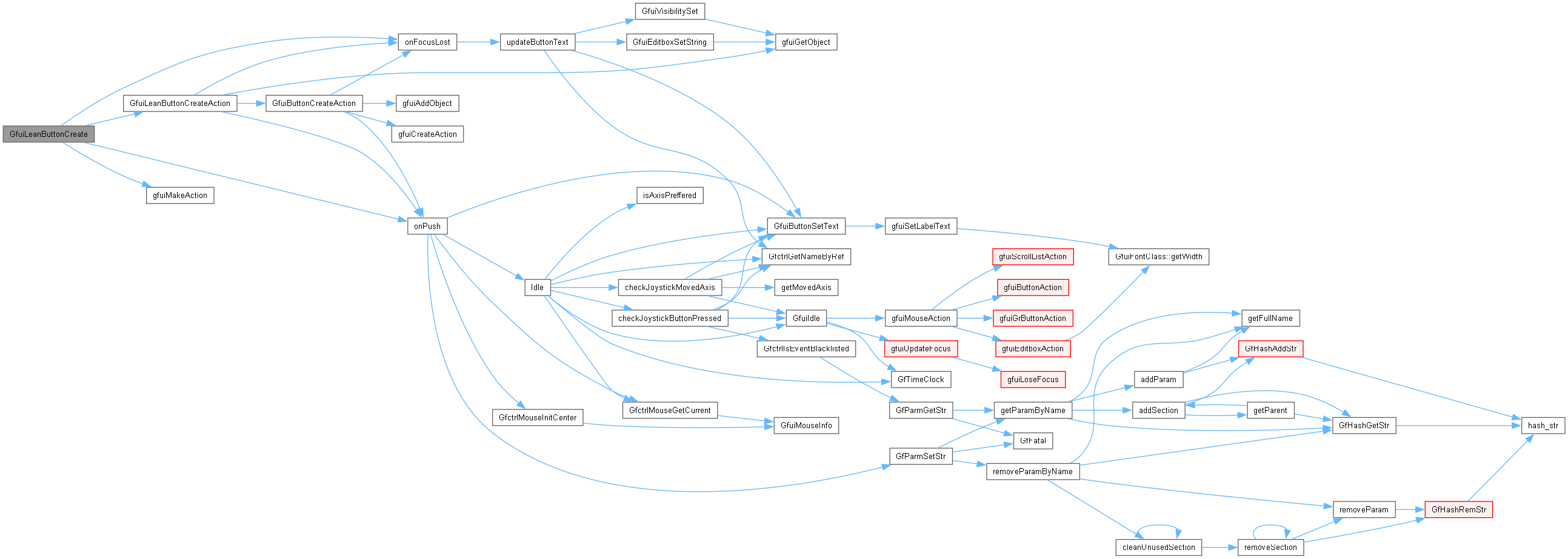
| int | GfuiLeanButtonCreate (void *scr, const char *text, int font, int x, int y, int width, int align, int mouse, void *userDataOnPush, tfuiCallback onPush, void *userDataOnFocus, tfuiCallback onFocus, tfuiCallback onFocusLost) |
| Create a marginless text button using callbacks with caller-supplied data. | |
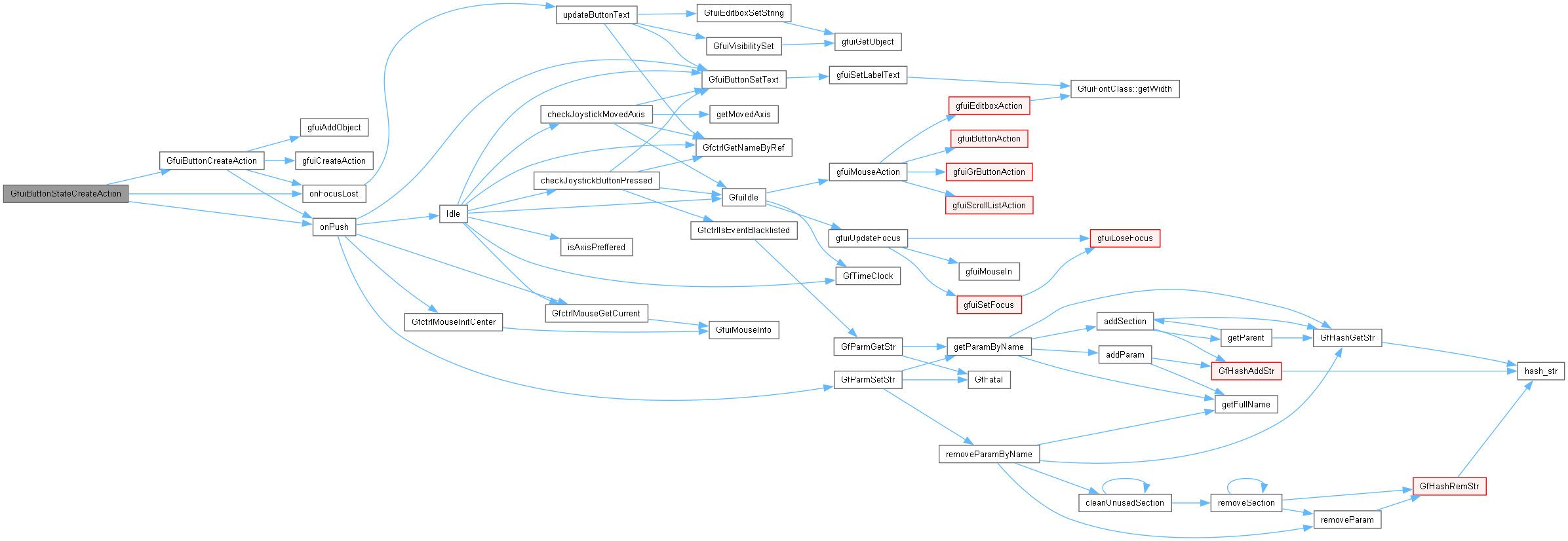
| int | GfuiButtonStateCreateAction (void *scr, const char *text, int font, int x, int y, int width, int align, int mouse, const tGfuiAction &onPush, const tGfuiAction &onFocus, const tGfuiAction &onFocusLost) |
| Create a text button that toggles between pressed and released while focused. | |
| int | GfuiGrButtonCreate (void *scr, const char *disabled, const char *enabled, const char *focused, const char *pushed, int x, int y, int align, int mouse, void *userDataOnPush, tfuiCallback onPush, void *userDataOnFocus, tfuiCallback onFocus, tfuiCallback onFocusLost) |
| Create an image button using callbacks with caller-supplied data. | |
| int | GfuiEditboxCreate (void *scr, const char *text, int font, int x, int y, int width, int maxlen, void *userDataOnFocus, tfuiCallback onFocus, tfuiCallback onFocusLost, int margin=10) |
| Create an edit box using callbacks with caller-supplied data. | |
| int | GfuiScrollListCreate (void *scr, int font, int x, int y, int align, int width, int height, int scrollbar, void *userDataOnSelect, tfuiCallback onSelect) |
| Create a scrolling list using a callback with caller-supplied data. | |
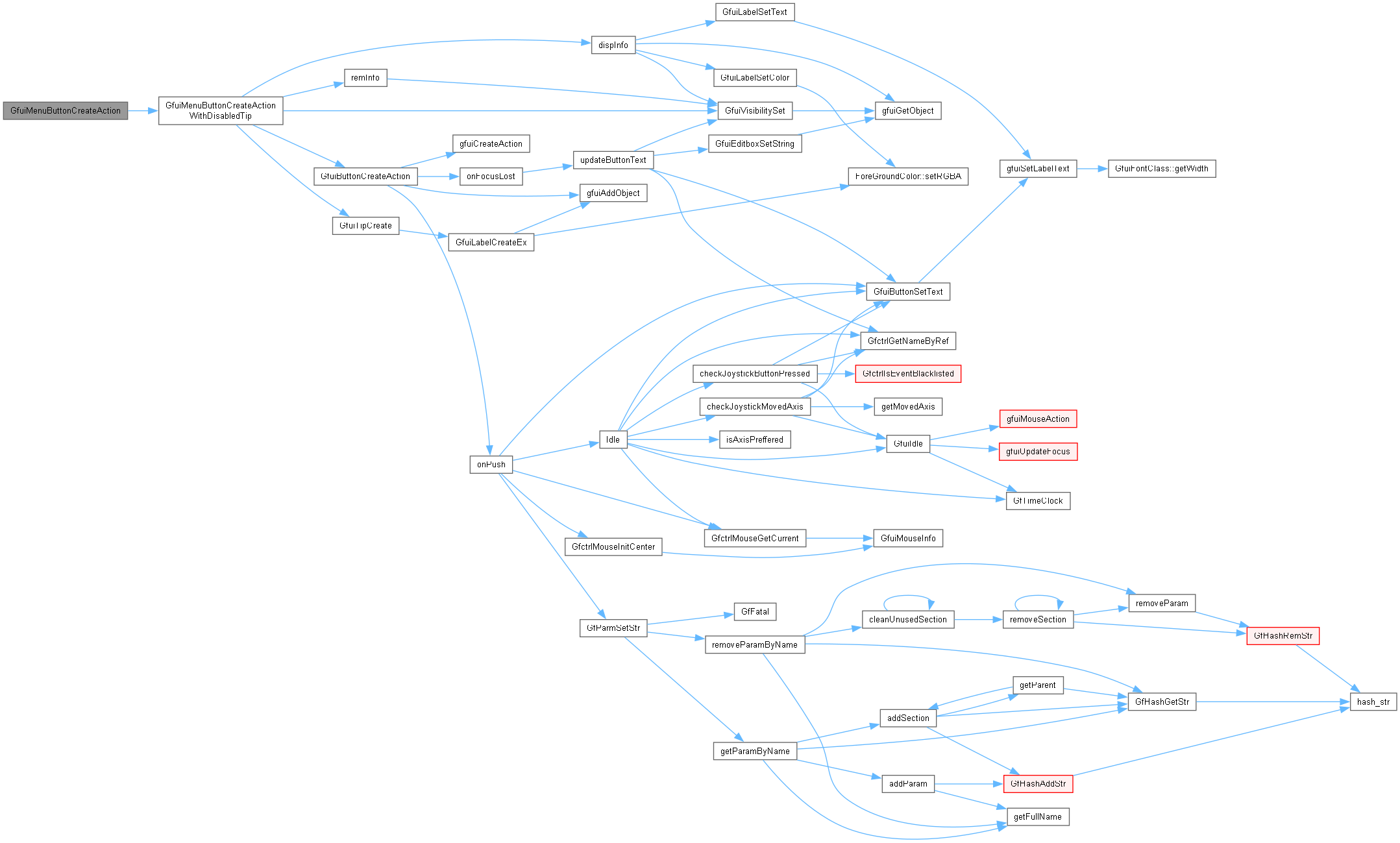
| int | GfuiMenuButtonCreateAction (void *menu, const char *text, const char *tip, const tGfuiAction &onpush) |
| Add a menu button with a focus tip. | |
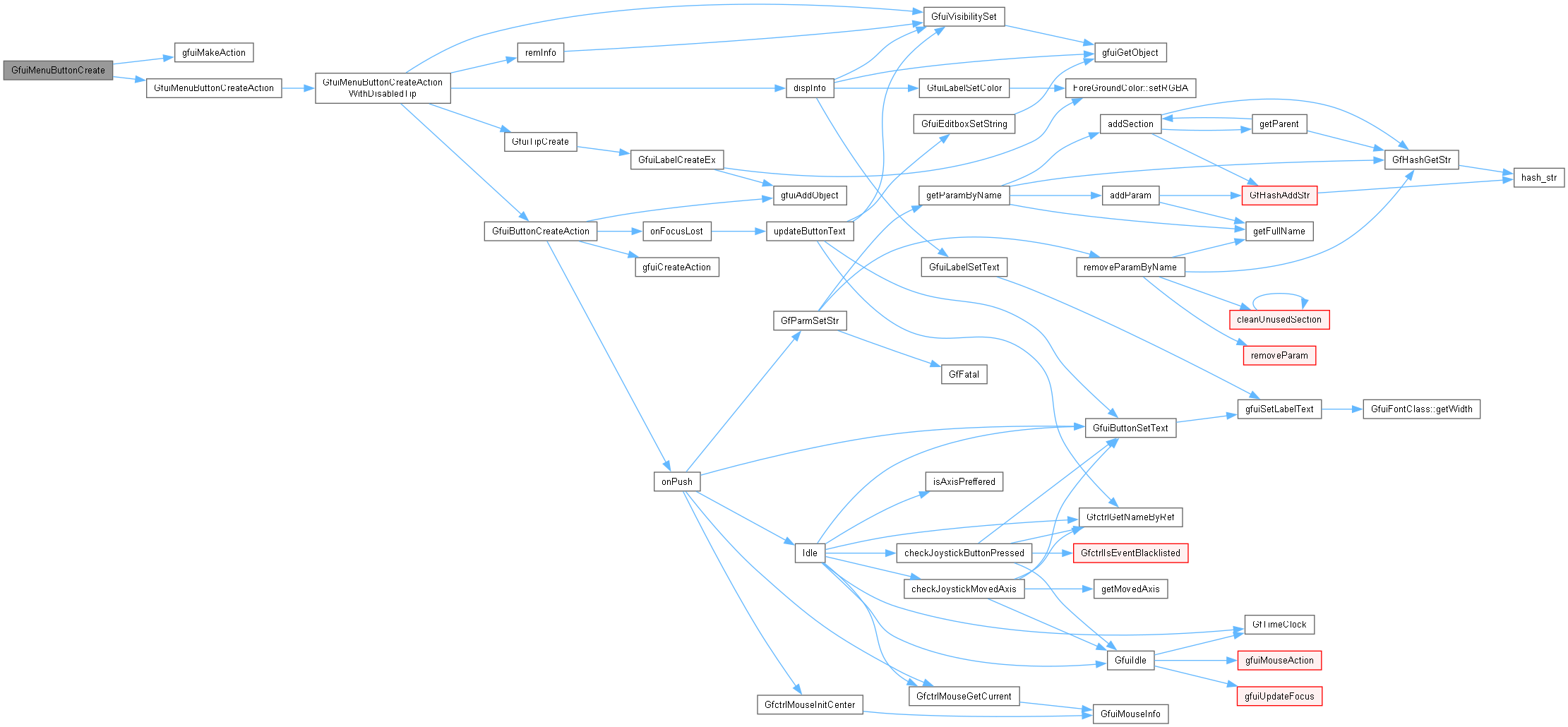
| int | GfuiMenuButtonCreate (void *menu, const char *text, const char *tip, void *userdata, tfuiCallback onpush) |
| Add a menu button using a callback with caller-supplied data. | |
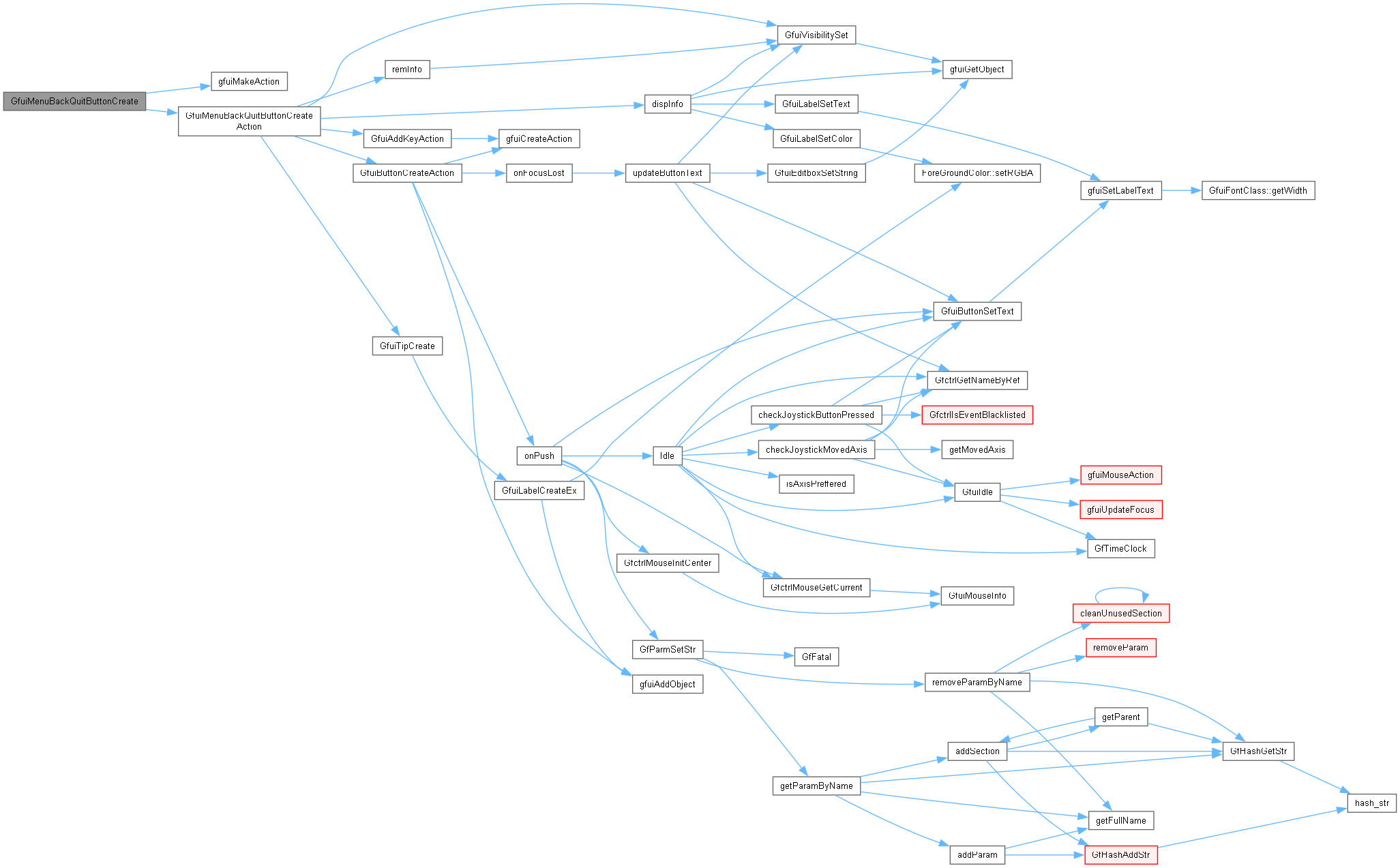
| int | GfuiMenuBackQuitButtonCreate (void *menu, const char *text, const char *tip, void *userdata, tfuiCallback onpush) |
| Add the bottom Back/Quit menu button using a callback with caller-supplied data. | |
Create and manage menu screens, widgets and input callbacks.
Include tgfclient.h and use the API after the GUI/fonts and OpenGL context have been initialized, on the GUI event thread.
|
extern |
Bind an ordinary key on a screen using callbacks with caller-supplied data.
| [in,out] | scr | Screen handle whose key bindings are updated. |
| [in] | key | Character key code. |
| [in] | descr | Description displayed on the help screen. |
| [in] | userData | Data passed to both callbacks. |
| [in] | onKeyPressed | Callback on key press, or NULL. |
| [in] | onKeyReleased | Callback on key release, or NULL. |
Definition at line 859 of file gui.cpp.

| void GfuiAddKeyAction | ( | void * | scr, |
| unsigned char | key, | ||
| const char * | descr, | ||
| const tGfuiAction & | onKeyPressed, | ||
| const tGfuiAction & | onKeyReleased ) |
Add a Keyboard callback to a screen.
| [in,out] | scr | Screen receiving the binding. |
| [in] | key | Ordinary character key code (not a GLUT special key). |
| [in] | descr | Help-screen description, copied; NULL means empty text. |
| [in] | onKeyPressed | Action on key press; may be empty. |
| [in] | onKeyReleased | Action on key release; may be empty. |
Definition at line 809 of file gui.cpp.

|
extern |
Bind a GLUT special key, such as an arrow or function key, on a screen.
| [in,out] | scr | Screen handle whose key bindings are updated. |
| [in] | key | GLUT special-key code. |
| [in] | descr | Description displayed on the help screen. |
| [in] | userData | Data passed to both callbacks. |
| [in] | onKeyPressed | Callback on key press, or NULL. |
| [in] | onKeyReleased | Callback on key release, or NULL. |
Definition at line 989 of file gui.cpp.

| void GfuiAddSKeyAction | ( | void * | scr, |
| int | key, | ||
| const char * | descr, | ||
| const tGfuiAction & | onKeyPressed, | ||
| const tGfuiAction & | onKeyReleased ) |
Add a Special Keyboard shortcut to the screen.
(see glut for normal and special keys)
| [in,out] | scr | Screen receiving the binding. |
| [in] | key | GLUT special-key code, such as GLUT_KEY_UP or GLUT_KEY_F1. |
| [in] | descr | Help-screen description, copied; NULL means empty text. |
| [in] | onKeyPressed | Action on key press; may be empty. |
| [in] | onKeyReleased | Action on key release; may be empty. |
Definition at line 895 of file gui.cpp.

|
extern |
Create a text button using callbacks with caller-supplied data.
| [in,out] | scr | Screen receiving the button |
| [in] | text | Button label, copied with a maximum of 99 bytes |
| [in] | font | Font id |
| [in] | x | X position on screen |
| [in] | y | Y position on screen (0 = bottom) |
| [in] | width | Content width in GUI units; zero measures the initial text. Standard buttons add a 10-unit margin on each side. |
| [in] | align | Horizontal GFUI_ALIGN_* alignment; vertical bits are ignored and y always specifies the bottom of the button. |
| [in] | mouse | GFUI_MOUSE_UP for release or GFUI_MOUSE_DOWN for press. The right mouse button only changes focus; it does not activate widgets. |
| [in] | onPush | Push callback function |
| [in] | onFocus | Focus callback function |
| [in] | onFocusLost | Focus Lost callback function |
| [in] | userDataOnPush | Data passed to onPush. |
| [in] | userDataOnFocus | Data passed to onFocus and onFocusLost. |
Definition at line 310 of file guibutton.cpp.
| int GfuiButtonCreateAction | ( | void * | scr, |
| const char * | text, | ||
| int | font, | ||
| int | x, | ||
| int | y, | ||
| int | width, | ||
| int | align, | ||
| int | mouse, | ||
| const tGfuiAction & | onPush, | ||
| const tGfuiAction & | onFocus, | ||
| const tGfuiAction & | onFocusLost ) |
Add a button to a screen.
| [in,out] | scr | Screen receiving the button |
| [in] | text | Button label, copied with a maximum of 99 bytes |
| [in] | font | Font id |
| [in] | x | X position on screen |
| [in] | y | Y position on screen (0 = bottom) |
| [in] | width | Content width in GUI units; zero measures the initial text. Standard buttons add a 10-unit margin on each side. |
| [in] | align | Horizontal GFUI_ALIGN_* alignment; vertical bits are ignored and y always specifies the bottom of the button. |
| [in] | mouse | GFUI_MOUSE_UP for release or GFUI_MOUSE_DOWN for press. The right mouse button only changes focus; it does not activate widgets. |
| [in] | onPush | Push callback function |
| [in] | onFocus | Focus callback function |
| [in] | onFocusLost | Focus Lost callback function |
Definition at line 228 of file guibutton.cpp.
| int GfuiButtonGetFocused | ( | void | ) |
Get the Id of the button focused in the current screen.
Definition at line 386 of file guibutton.cpp.
| void GfuiButtonSetText | ( | void * | scr, |
| int | id, | ||
| const char * | text ) |
Change the label of a button.
| [in,out] | scr | Screen containing the text button. |
| [in] | id | Text-button identifier; graphical buttons are not supported. |
| [in] | text | New label, copied and truncated to 99 bytes; NULL leaves it unchanged. |
Definition at line 356 of file guibutton.cpp.

| int GfuiButtonStateCreate | ( | void * | scr, |
| const char * | text, | ||
| int | font, | ||
| int | x, | ||
| int | y, | ||
| int | width, | ||
| int | align, | ||
| int | mouse, | ||
| void * | userDataOnPush, | ||
| tfuiCallback | onPush, | ||
| void * | userDataOnFocus, | ||
| tfuiCallback | onFocus, | ||
| tfuiCallback | onFocusLost ) |
Add a state button to a screen.
| [in,out] | scr | Screen receiving the button |
| [in] | text | Button label, copied with a maximum of 99 bytes |
| [in] | font | Font id |
| [in] | x | X position on screen |
| [in] | y | Y position on screen (0 = bottom) |
| [in] | width | Content width in GUI units; zero measures the initial text. Standard buttons add a 10-unit margin on each side. |
| [in] | align | Horizontal GFUI_ALIGN_* alignment; vertical bits are ignored and y always specifies the bottom of the button. |
| [in] | mouse | GFUI_MOUSE_UP for release or GFUI_MOUSE_DOWN for press. The right mouse button only changes focus; it does not activate widgets. |
| [in] | onPush | Push callback function |
| [in] | onFocus | Focus callback function |
| [in] | onFocusLost | Focus Lost callback function |
| [in] | userDataOnPush | Borrowed data passed to onPush. |
| [in] | userDataOnFocus | Borrowed data passed to onFocus and onFocusLost. |
Definition at line 170 of file guibutton.cpp.
|
extern |
Create a text button that toggles between pressed and released while focused.
| [in,out] | scr | Screen receiving the button |
| [in] | text | Button label, copied with a maximum of 99 bytes |
| [in] | font | Font id |
| [in] | x | X position on screen |
| [in] | y | Y position on screen (0 = bottom) |
| [in] | width | Content width in GUI units; zero measures the initial text. Standard buttons add a 10-unit margin on each side. |
| [in] | align | Horizontal GFUI_ALIGN_* alignment; vertical bits are ignored and y always specifies the bottom of the button. |
| [in] | mouse | GFUI_MOUSE_UP for release or GFUI_MOUSE_DOWN for press. The right mouse button only changes focus; it does not activate widgets. |
| [in] | onPush | Push callback function |
| [in] | onFocus | Focus callback function |
| [in] | onFocusLost | Focus Lost callback function |
Definition at line 180 of file guibutton.cpp.
| void GfuiDisplay | ( | void | ) |
Draw the active GUI screen and swap the GLUT buffers.
Draws the background, widgets and software cursor. Installed as the display callback by GfuiScreenActivate for normal screens. Changes OpenGL state and matrices; requires an active normal screen and a current rendering context.
Definition at line 175 of file gui.cpp.
| void GfuiDisplayNothing | ( | void | ) |
|
extern |
Create an edit box using callbacks with caller-supplied data.
| [in,out] | scr | Screen receiving the edit box |
| [in] | text | Initial text, copied and truncated to maxlen bytes |
| [in] | font | Font id |
| [in] | x | X position on screen |
| [in] | y | Y position on screen (0 = bottom) |
| [in] | width | Content width; zero reserves the width of maxlen 'W' glyphs |
| [in] | maxlen | Capacity in bytes excluding NUL; zero uses strlen(text) |
| [in] | onFocus | Focus callback function |
| [in] | onFocusLost | Focus Lost callback function |
| [in] | margin | Horizontal margin on each side in GUI units (default 10) |
| [in] | userDataOnFocus | Data passed to onFocus and onFocusLost. |
Definition at line 127 of file guiedit.cpp.

| int GfuiEditboxCreateAction | ( | void * | scr, |
| const char * | text, | ||
| int | font, | ||
| int | x, | ||
| int | y, | ||
| int | width, | ||
| int | maxlen, | ||
| const tGfuiAction & | onFocus, | ||
| const tGfuiAction & | onFocusLost, | ||
| int | margin ) |
Add an edit box to a screen.
| [in,out] | scr | Screen receiving the edit box |
| [in] | text | Initial text, copied and truncated to maxlen bytes |
| [in] | font | Font id |
| [in] | x | X position on screen |
| [in] | y | Y position on screen (0 = bottom) |
| [in] | width | Content width; zero reserves the width of maxlen 'W' glyphs |
| [in] | maxlen | Capacity in bytes excluding NUL; zero uses strlen(text) |
| [in] | onFocus | Focus callback function |
| [in] | onFocusLost | Focus Lost callback function |
| [in] | margin | Horizontal margin on each side in GUI units (default 10) |
Definition at line 53 of file guiedit.cpp.

| int GfuiEditboxGetFocused | ( | void | ) |
Get the Id of the editbox focused in the current screen.
Definition at line 142 of file guiedit.cpp.
| char * GfuiEditboxGetString | ( | void * | scr, |
| int | id ) |
Get the current text of an edit box.
| [in] | scr | Screen containing the edit box. |
| [in] | id | Edit-box identifier. |
Definition at line 364 of file guiedit.cpp.

| void GfuiEditboxSetString | ( | void * | scr, |
| int | id, | ||
| const char * | text ) |
Set a new string.
| [in,out] | scr | Screen containing the edit box. |
| [in] | id | Edit-box identifier. |
| [in] | text | Non-NULL text, copied and truncated to the capacity set at creation. |
Definition at line 390 of file guiedit.cpp.

| int GfuiEnable | ( | void * | scr, |
| int | id, | ||
| int | flag ) |
Enable / Disable an object.
| [in,out] | scr | Screen containing the widget. |
| [in] | id | Widget identifier. |
| [in] | flag | GFUI_ENABLE or GFUI_DISABLE (use the constants, not a boolean). |
Definition at line 415 of file guiobject.cpp.

|
extern |
Get the height of an initialized GUI font.
| [in] | font | GFUI_FONT_* identifier. |
Definition at line 65 of file guiobject.cpp.
|
extern |
Measure text using an initialized GUI font.
| [in] | font | GFUI_FONT_* identifier. |
| [in] | text | Text to measure. |
Definition at line 70 of file guiobject.cpp.
|
extern |
Create an image button using callbacks with caller-supplied data.
Supply four loadable PNGs of identical dimensions. Their pixel dimensions determine the button size in GUI units; images are loaded during creation.
| [in,out] | scr | Screen receiving the button |
| [in] | disabled | filename of the image when the button is disabled |
| [in] | enabled | filename of the image when the button is enabled |
| [in] | focused | filename of the image when the button is focused |
| [in] | pushed | filename of the image when the button is pushed |
| [in] | x | X position on screen |
| [in] | y | Y position on screen (0 = bottom) |
| [in] | align | GFUI_ALIGN_* horizontal and vertical anchor alignment. |
| [in] | mouse | GFUI_MOUSE_UP for release or GFUI_MOUSE_DOWN for press. The right mouse button only changes focus; it does not activate widgets. |
| [in] | onPush | Push callback function |
| [in] | onFocus | Focus callback function |
| [in] | onFocusLost | Focus Lost callback function |
| [in] | userDataOnPush | Data passed to onPush. |
| [in] | userDataOnFocus | Data passed to onFocus and onFocusLost. |
Definition at line 153 of file guibutton.cpp.
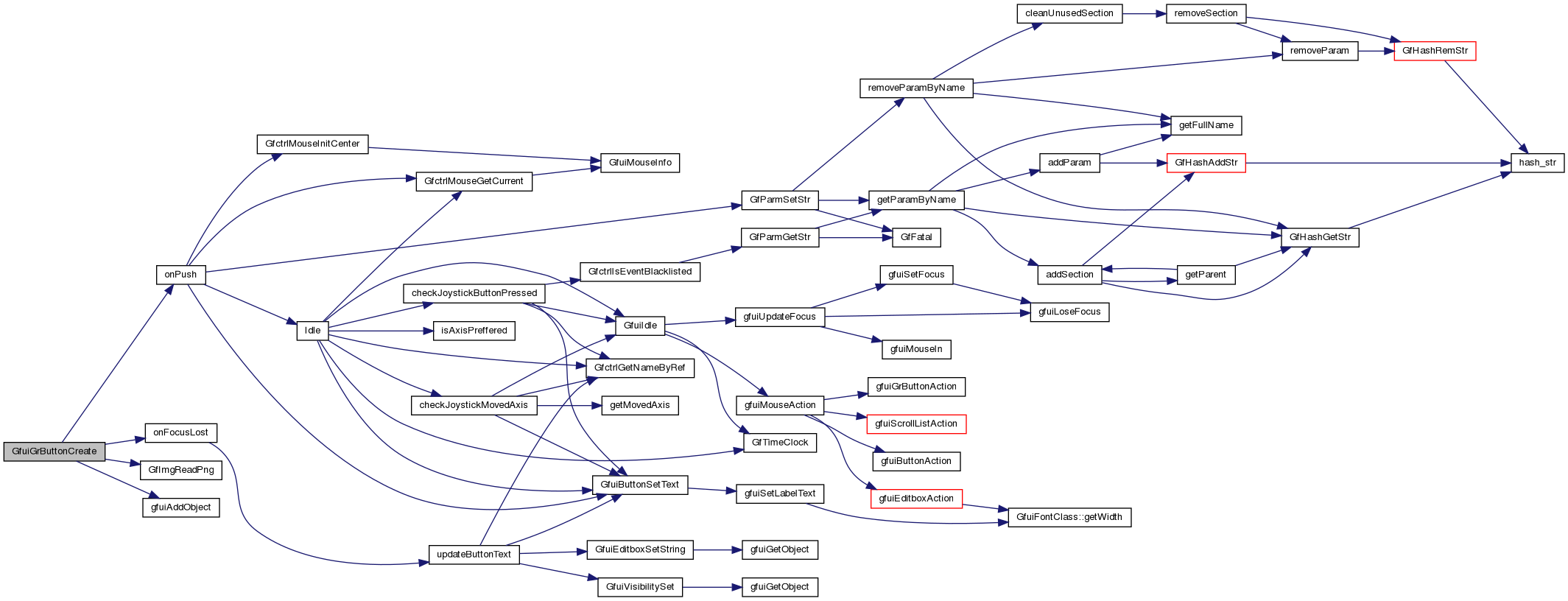
| int GfuiGrButtonCreateAction | ( | void * | scr, |
| const char * | disabled, | ||
| const char * | enabled, | ||
| const char * | focused, | ||
| const char * | pushed, | ||
| int | x, | ||
| int | y, | ||
| int | align, | ||
| int | mouse, | ||
| const tGfuiAction & | onPush, | ||
| const tGfuiAction & | onFocus, | ||
| const tGfuiAction & | onFocusLost ) |
Add a graphical button to a screen.
Supply four loadable PNGs of identical dimensions. Their pixel dimensions determine the button size in GUI units; images are loaded during creation.
| [in,out] | scr | Screen receiving the button |
| [in] | disabled | filename of the image when the button is disabled |
| [in] | enabled | filename of the image when the button is enabled |
| [in] | focused | filename of the image when the button is focused |
| [in] | pushed | filename of the image when the button is pushed |
| [in] | x | X position on screen |
| [in] | y | Y position on screen (0 = bottom) |
| [in] | align | GFUI_ALIGN_* horizontal and vertical anchor alignment. |
| [in] | mouse | GFUI_MOUSE_UP for release or GFUI_MOUSE_DOWN for press. The right mouse button only changes focus; it does not activate widgets. |
| [in] | onPush | Push callback function |
| [in] | onFocus | Focus callback function |
| [in] | onFocusLost | Focus Lost callback function |
Definition at line 58 of file guibutton.cpp.
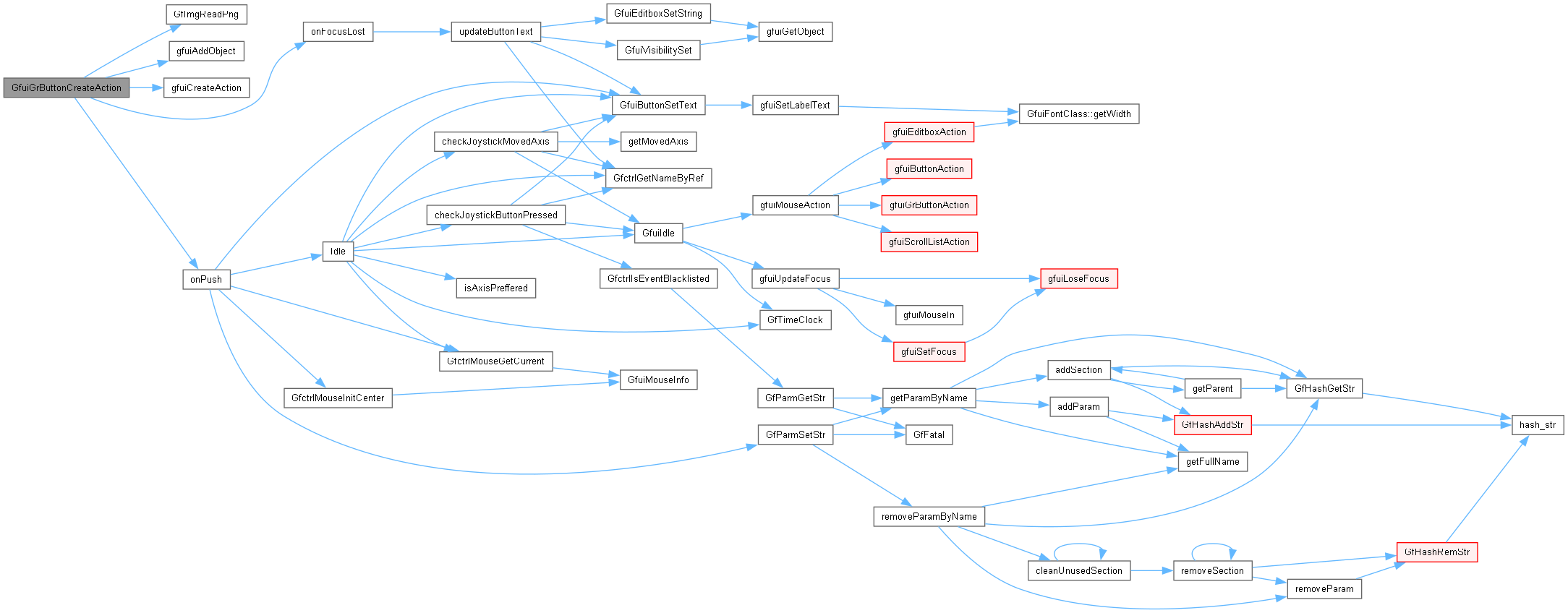
| void GfuiHelpScreen | ( | void * | prevScreen | ) |
Generate a help screen.
| [in,out] | prevScreen | Screen whose key bindings are displayed and which is reactivated by Back or Escape; keep it alive while help is shown. |
Definition at line 47 of file guihelp.cpp.
|
extern |
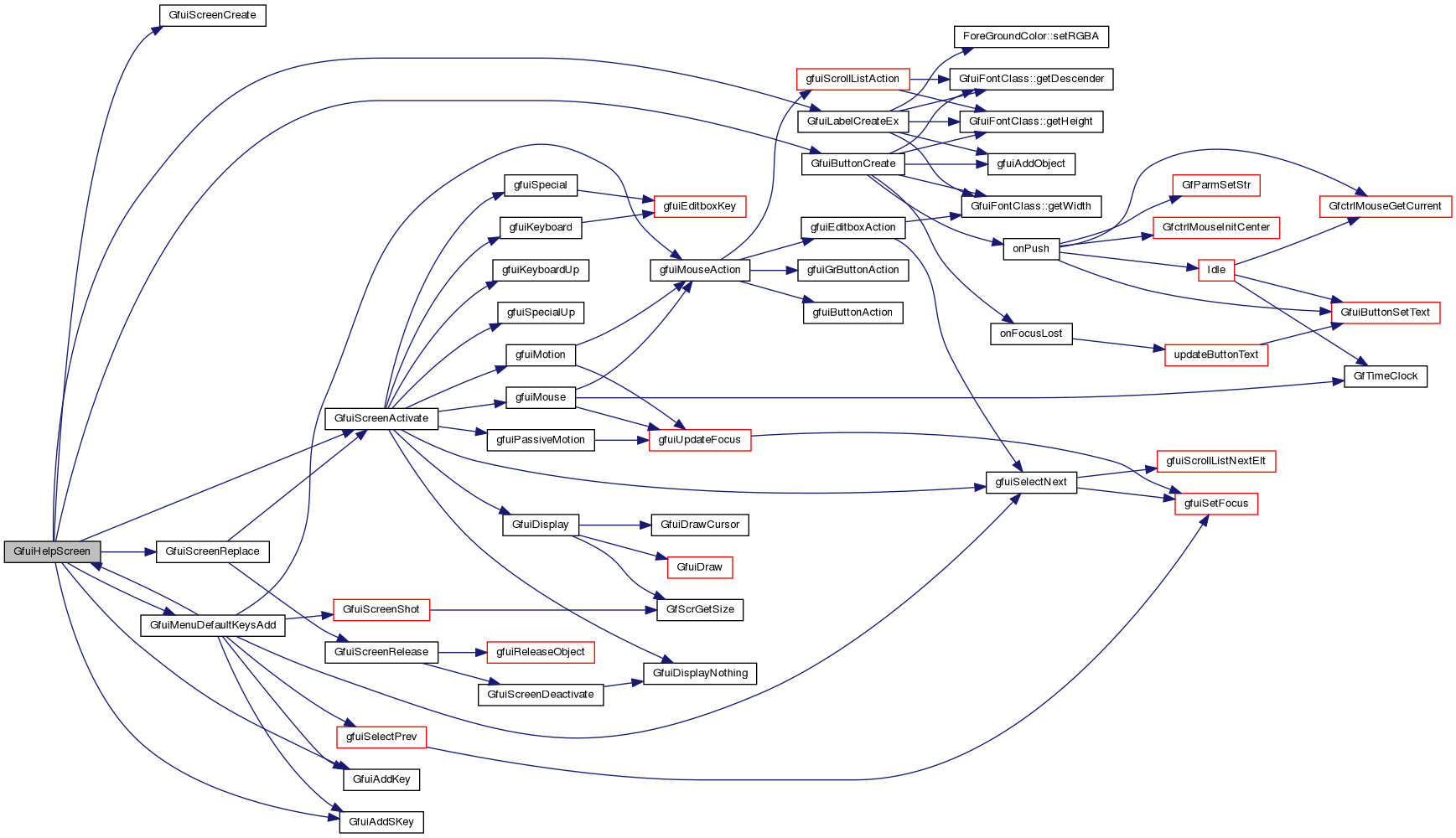
Create a callback-only screen hook.
| [in] | userDataOnActivate | Data passed to onActivate. |
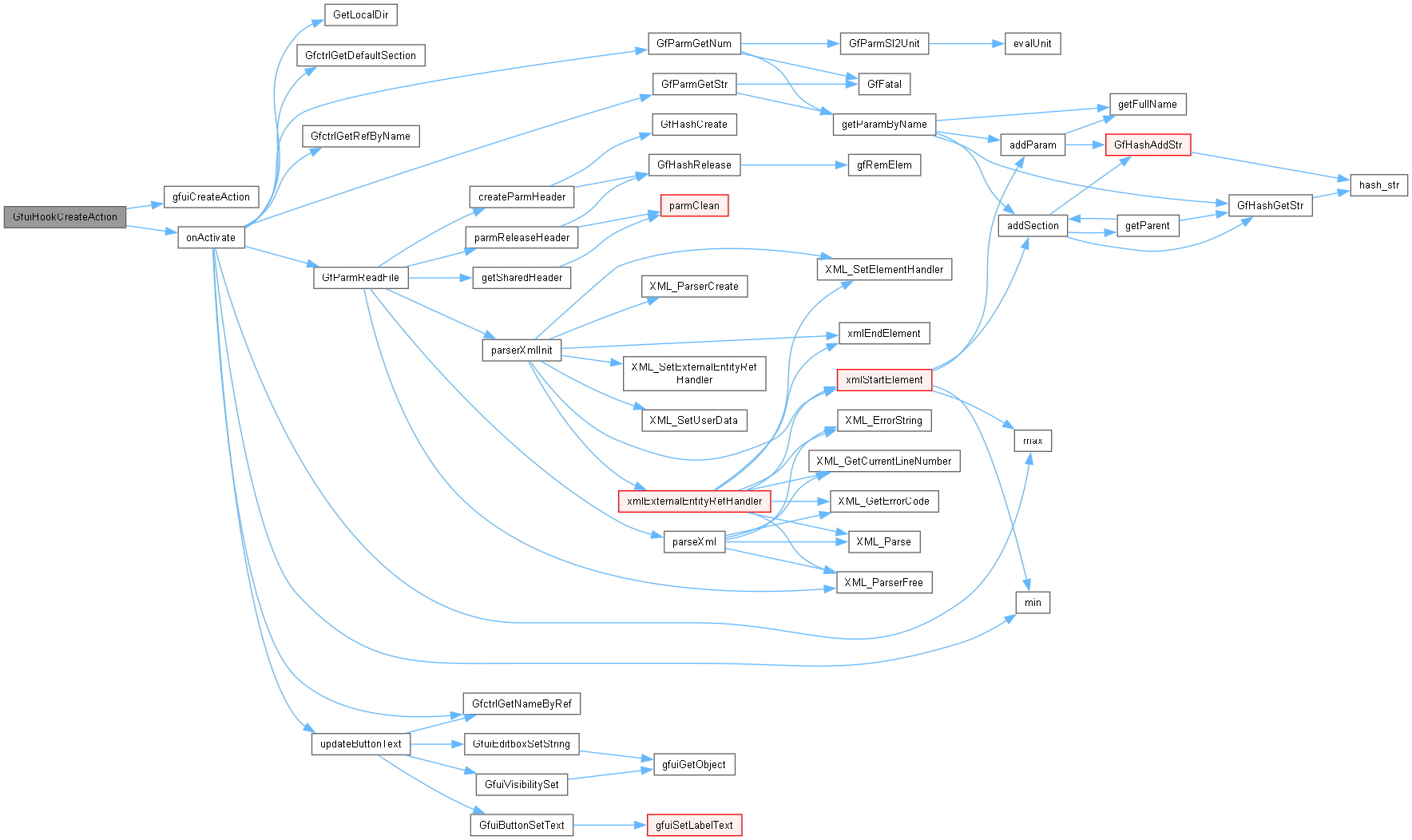
| [in] | onActivate | Callback invoked when the hook is activated, or NULL. |
Definition at line 748 of file gui.cpp.
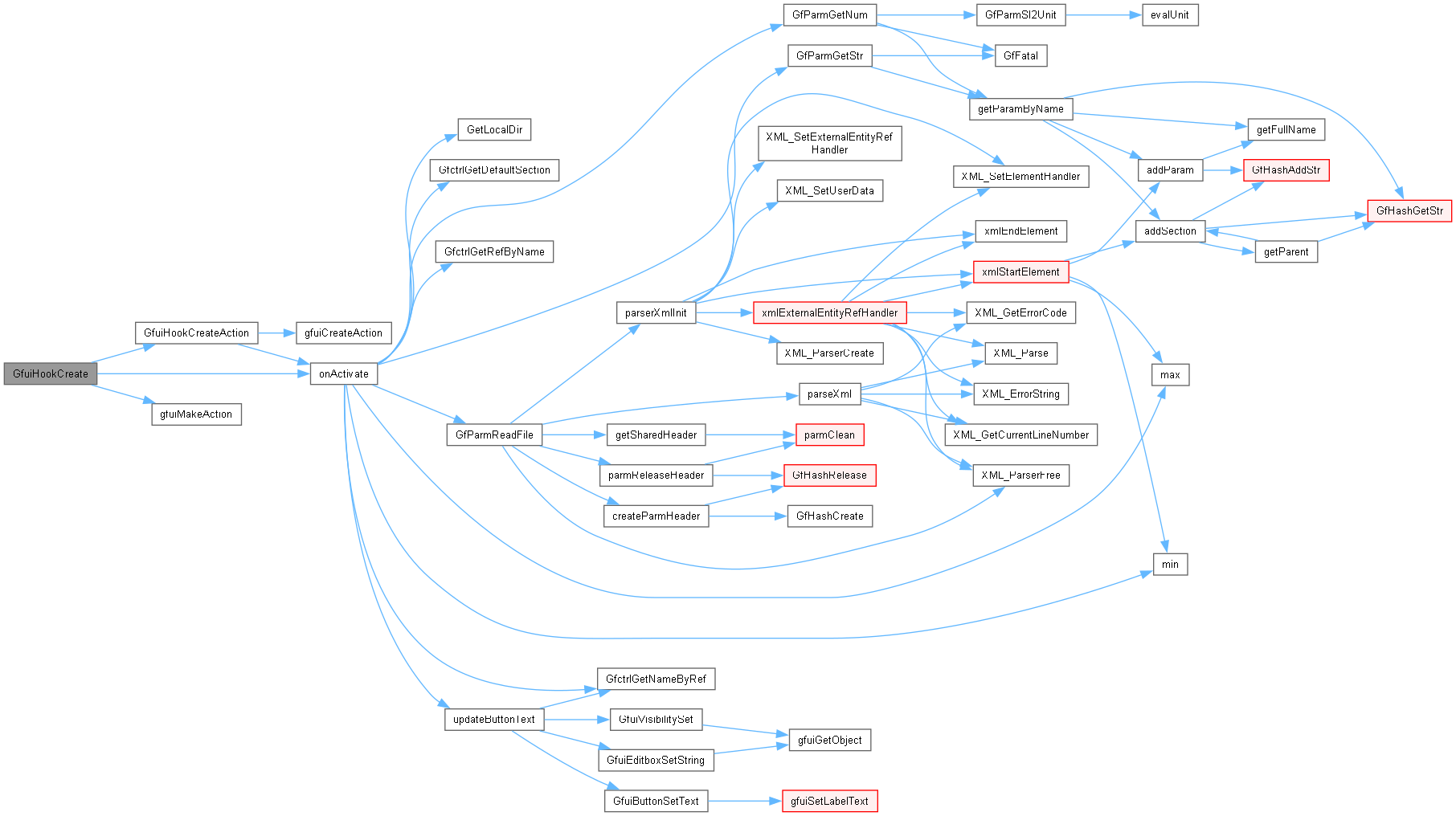
| void * GfuiHookCreateAction | ( | const tGfuiAction & | onActivate | ) |
Create a callback hook.
| [in] | onActivate | Action called by GfuiScreenActivate; may be empty. |
Definition at line 736 of file gui.cpp.
| void GfuiHookRelease | ( | void * | hook | ) |
Release the given hook.
| [in,out] | hook | Inactive callback hook to destroy; invalid after this call. |
Definition at line 760 of file gui.cpp.

| void GfuiIdle | ( | void | ) |
|
extern |
Set the ordinary-key event interceptor for a screen.
| [in,out] | scr | Screen handle whose event interceptor is updated. |
| [in] | onKeyAction | Callback receiving the key, GLUT modifiers and GFUI_KEY_DOWN or GFUI_KEY_UP; NULL removes the interceptor. Return nonzero to consume the event before normal key handling. |
Definition at line 769 of file gui.cpp.
|
extern |
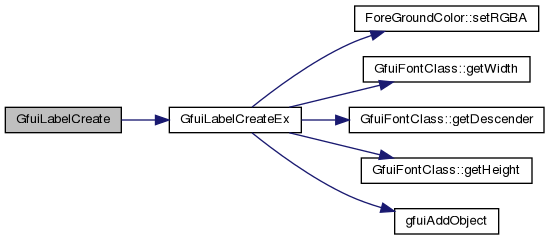
| int GfuiLabelCreate | ( | void * | scr, |
| const char * | text, | ||
| int | font, | ||
| int | x, | ||
| int | y, | ||
| int | align, | ||
| int | maxlen ) |
Add a label to a screen.
Uses the default label color.
| [in,out] | scr | Screen receiving the label. |
| [in] | text | Initial text, copied and truncated to maxlen bytes. |
| [in] | font | GFUI_FONT_* identifier. |
| [in] | x | Horizontal anchor in GUI coordinates. |
| [in] | y | Bottom of the label in GUI coordinates. |
| [in] | align | Horizontal GFUI_ALIGN_* alignment; vertical bits are ignored. |
| [in] | maxlen | Text capacity in bytes excluding NUL; zero uses strlen(text). |
Definition at line 121 of file guilabel.cpp.
| int GfuiLabelCreateEx | ( | void * | scr, |
| const char * | text, | ||
| float * | fgColor, | ||
| int | font, | ||
| int | x, | ||
| int | y, | ||
| int | align, | ||
| int | maxlen ) |
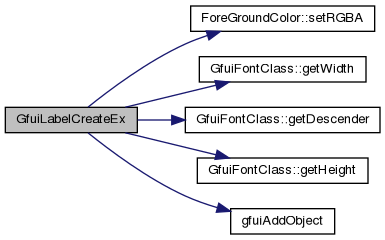
Create a new label (extended version).
| [in,out] | scr | Screen receiving the label. |
| [in] | text | Initial text, copied and truncated to maxlen bytes. |
| [in] | fgColor | Four RGBA floats, copied into the label. |
| [in] | font | GFUI_FONT_* identifier. |
| [in] | x | Horizontal anchor in GUI coordinates. |
| [in] | y | Bottom of the label in GUI coordinates. |
| [in] | align | GFUI_ALIGN_HL_VB, GFUI_ALIGN_HC_VB or GFUI_ALIGN_HR_VB for left, centered or right alignment. Vertical alignment bits are ignored. |
| [in] | maxlen | Text capacity in bytes excluding NUL; zero uses strlen(text). |
Definition at line 51 of file guilabel.cpp.
| void GfuiLabelSetColor | ( | void * | scr, |
| int | id, | ||
| float * | color ) |
Change the color of a label.
| [in,out] | scr | Screen containing the label. |
| [in] | id | Label identifier. |
| [in] | color | Four RGBA floats, copied into the label. |
Definition at line 221 of file guilabel.cpp.

| void GfuiLabelSetText | ( | void * | scr, |
| int | id, | ||
| const char * | text ) |
Change the text of a label.
| [in,out] | scr | Screen containing the label. |
| [in] | id | Label identifier. |
| [in] | text | New text, copied and truncated to the capacity set at creation; NULL leaves the label unchanged. |
Definition at line 193 of file guilabel.cpp.

|
extern |
Create a marginless text button using callbacks with caller-supplied data.
| [in,out] | scr | Screen receiving the button |
| [in] | text | Button label, copied with a maximum of 99 bytes |
| [in] | font | Font id |
| [in] | x | X position on screen |
| [in] | y | Y position on screen (0 = bottom) |
| [in] | width | Content width in GUI units; zero measures the initial text. Standard buttons add a 10-unit margin on each side. |
| [in] | align | Horizontal GFUI_ALIGN_* alignment; vertical bits are ignored and y always specifies the bottom of the button. |
| [in] | mouse | GFUI_MOUSE_UP for release or GFUI_MOUSE_DOWN for press. The right mouse button only changes focus; it does not activate widgets. |
| [in] | onPush | Push callback function |
| [in] | onFocus | Focus callback function |
| [in] | onFocusLost | Focus Lost callback function |
| [in] | userDataOnPush | Data passed to onPush. |
| [in] | userDataOnFocus | Data passed to onFocus and onFocusLost. |
Definition at line 320 of file guibutton.cpp.
|
extern |
Create a text button without horizontal margins.
| [in,out] | scr | Screen receiving the button |
| [in] | text | Button label, copied with a maximum of 99 bytes |
| [in] | font | Font id |
| [in] | x | X position on screen |
| [in] | y | Y position on screen (0 = bottom) |
| [in] | width | Content width in GUI units; zero measures the initial text. Standard buttons add a 10-unit margin on each side. |
| [in] | align | Horizontal GFUI_ALIGN_* alignment; vertical bits are ignored and y always specifies the bottom of the button. |
| [in] | mouse | GFUI_MOUSE_UP for release or GFUI_MOUSE_DOWN for press. The right mouse button only changes focus; it does not activate widgets. |
| [in] | onPush | Push callback function |
| [in] | onFocus | Focus callback function |
| [in] | onFocusLost | Focus Lost callback function |
Definition at line 329 of file guibutton.cpp.
|
extern |
Add the bottom Back/Quit menu button using a callback with caller-supplied data.
| [in,out] | menu | Menu screen handle receiving the button. |
| [in] | text | Button label. |
| [in] | tip | Focus tip, or NULL for no text. |
| [in] | userdata | Data passed to onpush. |
| [in] | onpush | Callback on button activation or Escape, or NULL for no action. |
Definition at line 219 of file guimenu.cpp.
| int GfuiMenuBackQuitButtonCreateAction | ( | void * | scr, |
| const char * | text, | ||
| const char * | tip, | ||
| const tGfuiAction & | onpush ) |
Add the "Back" or "Quit" button at the bottom of the menu screen.
| [in,out] | scr | Menu screen receiving the button and Escape binding. |
| [in] | text | Button label, copied. |
| [in] | tip | Focus tip and Escape help text, copied; NULL means empty text. |
| [in] | onpush | Action on button activation or Escape; may be empty. |
Definition at line 187 of file guimenu.cpp.
|
extern |
Add a menu button using a callback with caller-supplied data.
| [in,out] | menu | Menu screen handle receiving the button. |
| [in] | text | Button label. |
| [in] | tip | Focus tip, or NULL for no text. |
| [in] | userdata | Data passed to onpush. |
| [in] | onpush | Callback on button activation, or NULL for no action. |
Definition at line 171 of file guimenu.cpp.
|
extern |
Add a menu button with a focus tip.
| [in,out] | menu | Menu screen handle receiving the button. |
| [in] | text | Button label. |
| [in] | tip | Focus tip, or NULL for no text. |
| [in] | onpush | Action on button activation; an empty action does nothing. |
Definition at line 165 of file guimenu.cpp.
| int GfuiMenuButtonCreateActionWithDisabledTip | ( | void * | scr, |
| const char * | text, | ||
| const char * | tip, | ||
| const char * | disabledTip, | ||
| const tGfuiAction & | onpush ) |
Add a button to a menu screen.
| [in,out] | scr | Menu screen receiving the next automatically positioned button. |
| [in] | text | Button label, copied. |
| [in] | tip | Focus tip, copied; NULL means empty text. |
| [in] | disabledTip | Tip shown in red when focused and disabled; copied. NULL or empty text falls back to tip. |
| [in] | onpush | Action on activation; an empty action does nothing. |
Definition at line 124 of file guimenu.cpp.
| void GfuiMenuDefaultKeysAdd | ( | void * | scr | ) |
Add the default menu keyboard callback to a screen.
The keys are:
Up Arrow .... Select Previous Entry
Down Arrow .. Select Next Entry
F1 .......... Help
Tab ......... Select Next Entry
Enter ....... Perform Action
Page Up/Down Select Previous/Next Entry
F12 ......... Save a screenshot Escape is not registered here; GfuiMenuBackQuitButtonCreateAction adds it.
| [in,out] | scr | Screen receiving the default bindings. |
Definition at line 56 of file guimenu.cpp.
| void * GfuiMenuScreenCreate | ( | const char * | title | ) |
Create a new menu screen.
Set the title of the menu Add the default keyboard callbacks to the menu.
| [in] | title | Non-NULL title text, copied into the title label. |
Definition at line 77 of file guimenu.cpp.
| void GfuiMouseHide | ( | void | ) |
| tMouseInfo * GfuiMouseInfo | ( | void | ) |
| void GfuiMouseSetPos | ( | int | x, |
| int | y ) |
| void GfuiMouseShow | ( | void | ) |
|
extern |
Draw text immediately in the current OpenGL context without creating a widget.
| [in] | text | Text to draw. |
| [in] | fgColor | RGBA text color. |
| [in] | font | GFUI_FONT_* identifier of an initialized font. |
| [in] | x | Horizontal anchor in GUI coordinates. |
| [in] | y | Baseline in GUI coordinates. |
| [in] | align | GFUI_ALIGN_* value; only horizontal alignment is used. |
Definition at line 43 of file guiobject.cpp.
|
extern |
Bind an ordinary key on the currently active screen.
| [in] | key | Character key code. |
| [in] | descr | Description displayed on the help screen. |
| [in] | userData | Data passed to both callbacks. |
| [in] | onKeyPressed | Callback on key press, or NULL. |
| [in] | onKeyReleased | Callback on key release, or NULL. |
Definition at line 879 of file gui.cpp.

| void GfuiRegisterKeyAction | ( | unsigned char | key, |
| char * | descr, | ||
| const tGfuiAction & | onKeyPressed, | ||
| const tGfuiAction & | onKeyReleased ) |
Add a Keyboard callback to the current screen.
| [in] | key | Ordinary character key code. |
| [in] | descr | Help-screen description, copied; NULL means empty text. |
| [in] | onKeyPressed | Action on key press; may be empty. |
| [in] | onKeyReleased | Action on key release; may be empty. |
Definition at line 873 of file gui.cpp.

| void GfuiScreenActivate | ( | void * | screen | ) |
Activate a screen and make it current.
| [in,out] | screen | Screen or callback hook to activate. |
Definition at line 508 of file gui.cpp.
| void GfuiScreenAddBgImg | ( | void * | scr, |
| const char * | filename ) |
Add an image background to a screen.
| [in,out] | scr | Screen whose background texture is replaced. |
| [in] | filename | PNG filename to load. |
Definition at line 1058 of file gui.cpp.
| void * GfuiScreenCreate | ( | void | ) |
|
extern |
Create a screen using callbacks with caller-supplied data.
| [in] | bgColor | Background RGBA color, or NULL for the default color. |
| [in] | userDataOnActivate | Data passed to onActivate. |
| [in] | onActivate | Callback on activation, or NULL. |
| [in] | userDataOnDeactivate | Data passed to onDeactivate. |
| [in] | onDeactivate | Callback on deactivation, or NULL. |
| [in] | mouseAllowed | Nonzero to display the mouse cursor. |
Definition at line 652 of file gui.cpp.
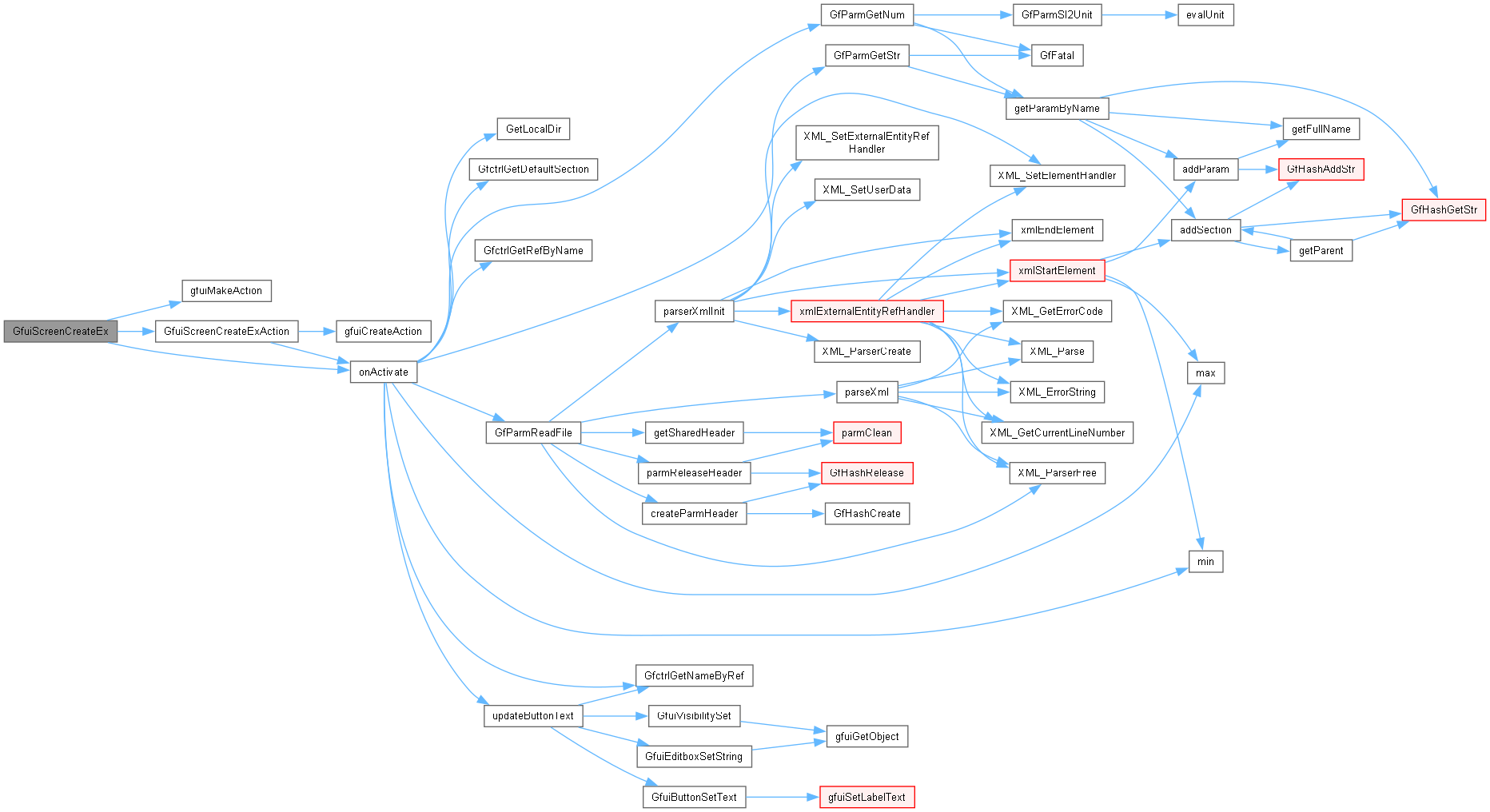
| void * GfuiScreenCreateExAction | ( | float * | bgColor, |
| const tGfuiAction & | onActivate, | ||
| const tGfuiAction & | onDeactivate, | ||
| int | mouseAllowed ) |
Create a screen.
| [in] | bgColor | Four RGBA floats, copied; NULL selects the default color. |
| [in] | onActivate | Action called on activation; may be empty. |
| [in] | onDeactivate | Action called on deactivation; may be empty. |
| [in] | mouseAllowed | Nonzero to allow the mouse cursor to be displayed. |
Definition at line 619 of file gui.cpp.
| void GfuiScreenDeactivate | ( | void | ) |
| int GfuiScreenIsActive | ( | void * | screen | ) |
| void GfuiScreenRelease | ( | void * | scr | ) |
Release the given screen.
| [in,out] | scr | Screen to destroy; the handle is invalid after this call. |
Definition at line 670 of file gui.cpp.
| void GfuiScreenReplace | ( | void * | screen | ) |
Activate a screen and make it current plus release the current screen.
| [in,out] | screen | New screen to activate; must differ from the current screen. |
Definition at line 549 of file gui.cpp.
| int GfuiScrollBarCreate | ( | void * | scr, |
| int | x, | ||
| int | y, | ||
| int | align, | ||
| int | width, | ||
| int | orientation, | ||
| int | min, | ||
| int | max, | ||
| int | len, | ||
| int | start, | ||
| void * | userData, | ||
| tfuiSBCallback | onScroll ) |
Create a new scroll bar.
| [in,out] | scr | Screen receiving the scroll bar. |
| [in] | x | Horizontal anchor in GUI coordinates. |
| [in] | y | Vertical anchor in GUI coordinates. |
| [in] | align | Position of the specified point: GFUI_ALIGN_HR_VB horizontal right, vertical bottom GFUI_ALIGN_HR_VC horizontal right, vertical center GFUI_ALIGN_HR_VT horizontal right, vertical top GFUI_ALIGN_HC_VB horizontal center, vertical bottom GFUI_ALIGN_HC_VC horizontal center, vertical center GFUI_ALIGN_HC_VT horizontal center, vertical top GFUI_ALIGN_HL_VB horizontal left, vertical bottom GFUI_ALIGN_HL_VC horizontal left, vertical center GFUI_ALIGN_HL_VT horizontal left, vertical top |
| [in] | width | Length along the scroll axis, including arrows, in GUI units. |
| [in] | orientation | Scroll bar orientation: GFUI_HORI_SCROLLBAR Horizontal GFUI_VERT_SCROLLBAR Vertical |
| [in] | min | Minimum position, inclusive. |
| [in] | max | Maximum position, inclusive; must be at least min. |
| [in] | len | Visible length, stored as metadata; arrow clicks step by one. |
| [in] | start | Initial position; caller must keep it within [min, max]. |
| [in] | userData | Borrowed data passed in tScrollBarInfo::userData. |
| [in] | onScroll | Callback on an arrow click that changes position, or NULL. The tScrollBarInfo pointer passed to it is valid only during the callback. |
Definition at line 118 of file guiscrollbar.cpp.
| int GfuiScrollBarPosGet | ( | void * | scr, |
| int | id ) |
Get the current position of a scroll bar.
| [in] | scr | Screen containing the scroll bar. |
| [in] | id | Identifier of a scroll-bar widget (type is not checked). |
Definition at line 239 of file guiscrollbar.cpp.

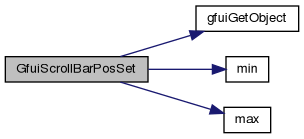
| void GfuiScrollBarPosSet | ( | void * | scr, |
| int | id, | ||
| int | min, | ||
| int | max, | ||
| int | len, | ||
| int | start ) |
Set new values for position.
| [in,out] | scr | Screen containing the scroll bar. |
| [in] | id | Identifier of a scroll-bar widget (type is not checked). |
| [in] | min | New minimum position, inclusive. |
| [in] | max | New maximum position, inclusive; must be at least min. |
| [in] | len | New visible length metadata. |
| [in] | start | New position; caller must keep it within [min, max]. |
Definition at line 267 of file guiscrollbar.cpp.
|
extern |
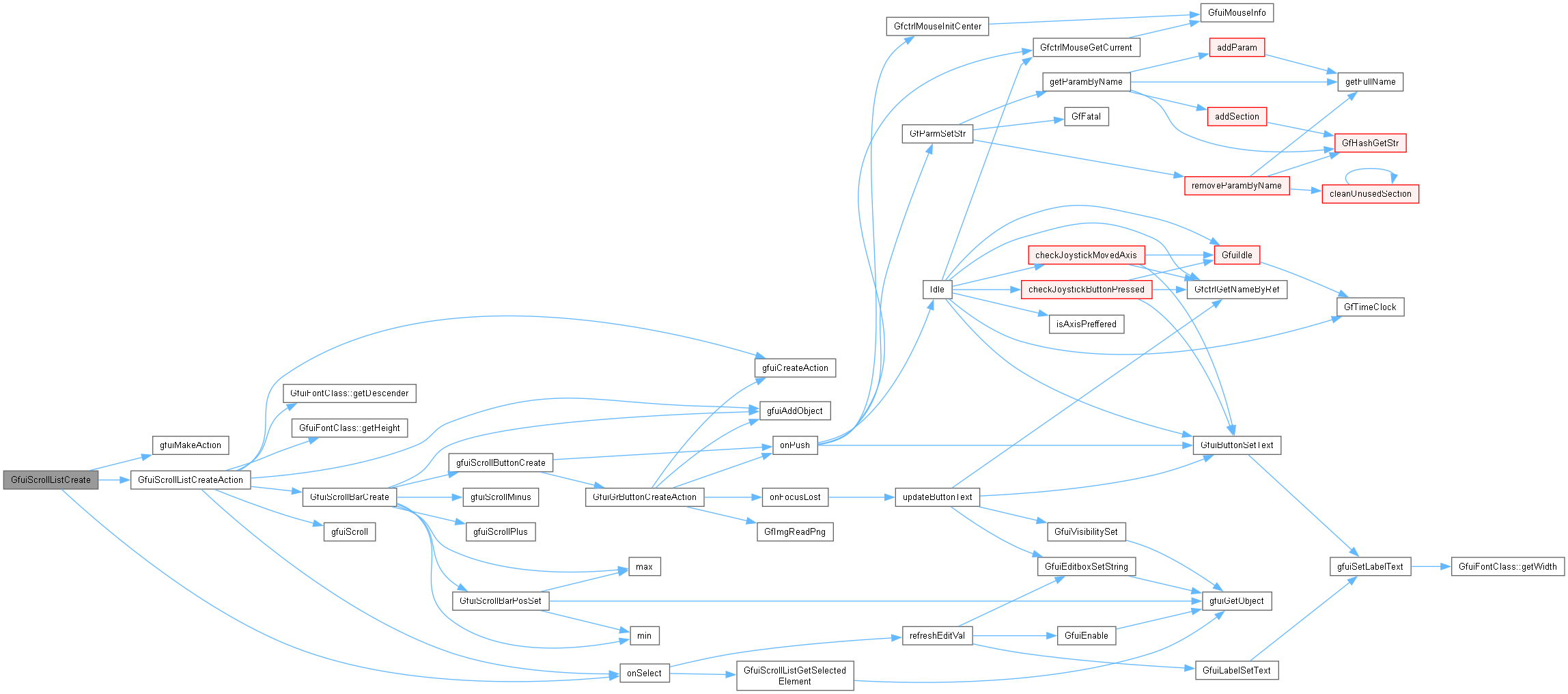
Create a scrolling list using a callback with caller-supplied data.
| [in,out] | scr | Screen handle receiving the list. |
| [in] | font | GFUI_FONT_* identifier. |
| [in] | x | Horizontal position in GUI coordinates. |
| [in] | y | Vertical position in GUI coordinates (zero at the bottom). |
| [in] | align | Retained for compatibility; currently ignored. |
| [in] | width | List width. |
| [in] | height | List height. |
| [in] | scrollbar | GFUI_SB_NONE, GFUI_SB_LEFT or GFUI_SB_RIGHT. |
| [in] | userDataOnSelect | Data passed to onSelect. |
| [in] | onSelect | Callback on user selection, or NULL. Programmatic insertion, extraction and reordering do not invoke it. |
Definition at line 189 of file guiscrollist.cpp.
| int GfuiScrollListCreateAction | ( | void * | scr, |
| int | font, | ||
| int | x, | ||
| int | y, | ||
| int | align, | ||
| int | width, | ||
| int | height, | ||
| int | scrollBarPos, | ||
| const tGfuiAction & | onSelect ) |
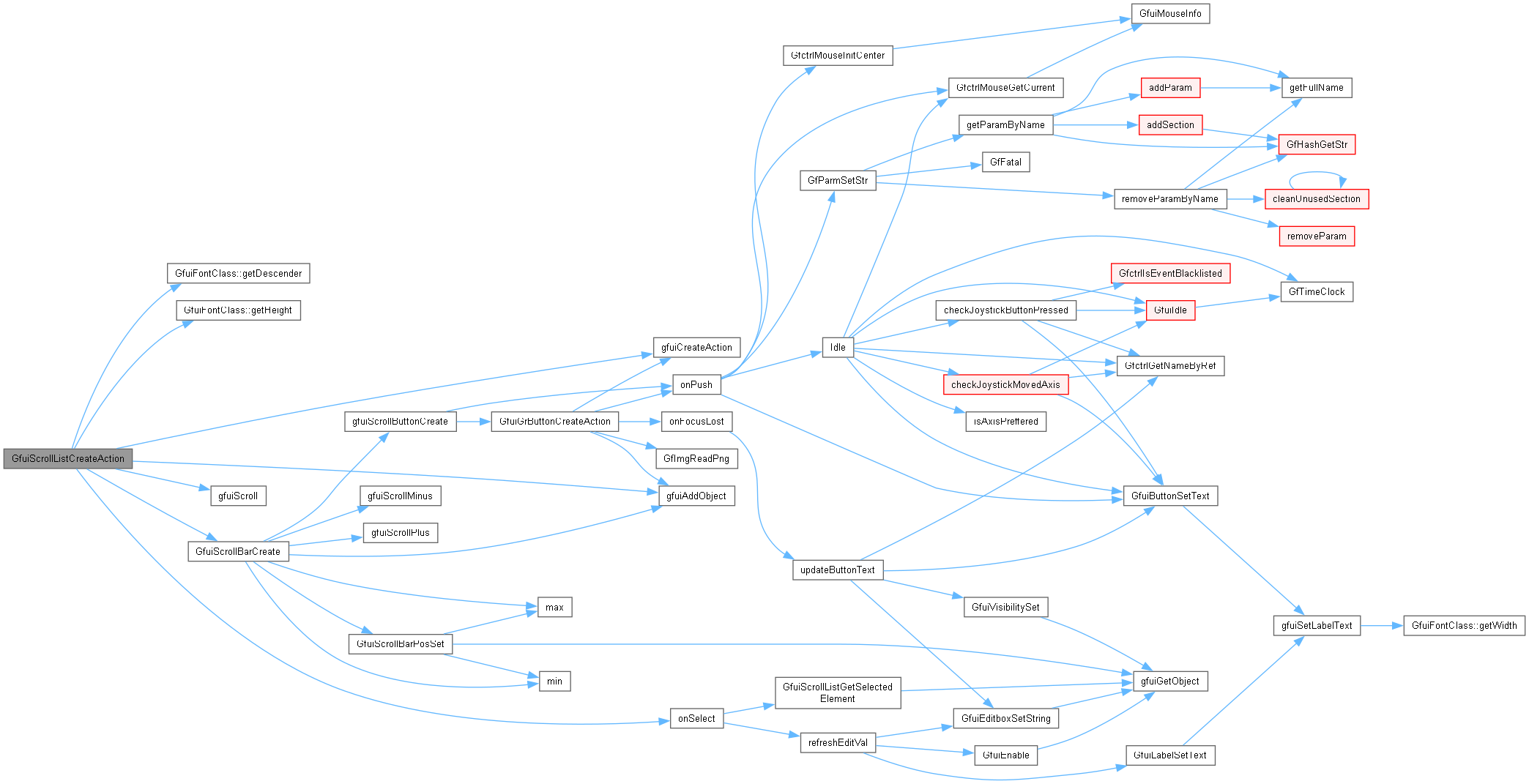
Create a new scroll list.
| [in,out] | scr | Screen receiving the list. |
| [in] | font | GFUI_FONT_* identifier. |
| [in] | x | Left edge in GUI coordinates. |
| [in] | y | Bottom edge in GUI coordinates. |
| [in] | align | Retained for compatibility; currently ignored. |
| [in] | width | Width in GUI units. |
| [in] | height | Height in GUI units; should fit at least one text row. |
| [in] | scrollBarPos | Position of the scrollbar: GFUI_SB_NONE No scroll bar GFUI_SB_RIGHT Right scroll bar GFUI_SB_LEFT Left scroll bar |
| [in] | onSelect | Action on user selection; may be empty. Programmatic insertion, extraction and reordering do not call it. |
Definition at line 143 of file guiscrollist.cpp.
| char * GfuiScrollListExtractElement | ( | void * | scr, |
| int | Id, | ||
| int | index, | ||
| void ** | userData ) |
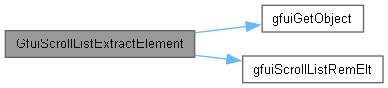
Extract the specified element from the scroll list.
| [in,out] | scr | Screen containing the list to modify. |
| [in] | Id | Scroll-list identifier. |
| [in] | index | Zero-based element index. |
| [out] | userData | Non-NULL address receiving the stored user-data pointer; unchanged on failure. |
Definition at line 444 of file guiscrollist.cpp.
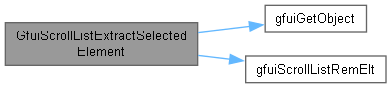
| char * GfuiScrollListExtractSelectedElement | ( | void * | scr, |
| int | Id, | ||
| void ** | userData ) |
Extract the selected element from the scroll list (removed).
| [in,out] | scr | Screen containing the list to modify. |
| [in] | Id | Scroll-list identifier. |
| [out] | userData | Non-NULL address receiving the stored user-data pointer; unchanged on failure. |
Definition at line 394 of file guiscrollist.cpp.
| char * GfuiScrollListGetElement | ( | void * | scr, |
| int | Id, | ||
| int | index, | ||
| void ** | userData ) |
Get the specified element from the scroll list.
| [in] | scr | Screen containing the list. |
| [in] | Id | Scroll-list identifier. |
| [in] | index | Zero-based element index. |
| [out] | userData | Non-NULL address receiving the stored user-data pointer; unchanged on failure. |
Definition at line 336 of file guiscrollist.cpp.

| char * GfuiScrollListGetSelectedElement | ( | void * | scr, |
| int | Id, | ||
| void ** | userData ) |
Get the selected element from the scroll list.
| [in] | scr | Screen containing the list. |
| [in] | Id | Scroll-list identifier. |
| [out] | userData | Non-NULL address receiving the stored user-data pointer; unchanged on failure. |
Definition at line 277 of file guiscrollist.cpp.

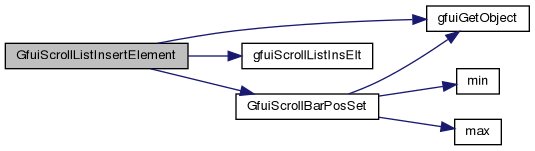
| int GfuiScrollListInsertElement | ( | void * | scr, |
| int | Id, | ||
| char * | element, | ||
| int | index, | ||
| void * | userData ) |
Insert an element in a scroll list.
| [in,out] | scr | Screen containing the list to modify. |
| [in] | Id | Scroll-list identifier. |
| [in] | element | Non-NULL display name, borrowed without copying. Keep it valid while the entry remains in the list. |
| [in] | index | Zero-based insertion position; negative or beyond the last entry appends. Zero inserts before the first entry. |
| [in] | userData | Borrowed application data associated with the entry; may be NULL. |
Definition at line 496 of file guiscrollist.cpp.
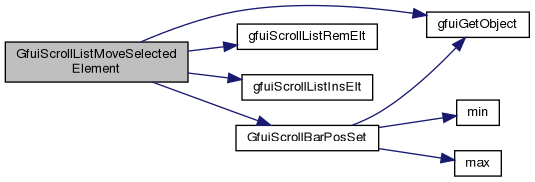
| int GfuiScrollListMoveSelectedElement | ( | void * | scr, |
| int | Id, | ||
| int | delta ) |
Move the selected element within the scroll list.
| [in,out] | scr | Screen containing the list to modify. |
| [in] | Id | Scroll-list identifier. |
| [in] | delta | Signed displacement in entries; negative moves toward the start. |
Definition at line 670 of file guiscrollist.cpp.
|
extern |
Set the special-key event interceptor for a screen.
| [in,out] | scr | Screen handle whose event interceptor is updated. |
| [in] | onSKeyAction | Callback receiving the GLUT special-key code, modifiers and GFUI_KEY_DOWN or GFUI_KEY_UP; NULL removes the interceptor. Return nonzero to consume the event before normal key handling. |
Definition at line 778 of file gui.cpp.
|
extern |
| int GfuiStaticImageCreate | ( | void * | scr, |
| int | x, | ||
| int | y, | ||
| int | w, | ||
| int | h, | ||
| char * | name ) |
Create a new static image.
This kind of image is not clickable.
| [in,out] | scr | Screen receiving the image. |
| [in] | x | Left edge in GUI coordinates. |
| [in] | y | Bottom edge in GUI coordinates. |
| [in] | w | Display width in GUI units (independent of PNG dimensions). |
| [in] | h | Display height in GUI units (independent of PNG dimensions). |
| [in] | name | PNG filename, or NULL for an initially empty widget. |
name cannot be loaded, an empty image widget is still created so a later GfuiStaticImageSet() call can recover. Definition at line 48 of file guiimage.cpp.
| void GfuiStaticImageSet | ( | void * | scr, |
| int | id, | ||
| char * | name ) |
Replace an image by another one.
| [in,out] | scr | Screen containing the image. |
| [in] | id | Image-widget identifier. |
| [in] | name | PNG filename, or NULL to clear the image. |
name cannot be loaded, the image is left empty until a later successful GfuiStaticImageSet() call. Definition at line 90 of file guiimage.cpp.
| int GfuiTipCreate | ( | void * | scr, |
| const char * | text, | ||
| int | maxlen ) |
Add a Tip (generally associated with a button).
| [in,out] | scr | Screen where to add the label |
| [in] | text | Text of the label |
| [in] | maxlen | Maximum length of the label string (0 for the text length) |
Definition at line 135 of file guilabel.cpp.

| int GfuiTitleCreate | ( | void * | scr, |
| const char * | text, | ||
| int | maxlen ) |
Add a Title to the screen.
Places a centered GFUI_FONT_BIG label at (320, 440) in GUI coordinates.
| [in,out] | scr | Screen receiving the title. |
| [in] | text | Initial title, copied. |
| [in] | maxlen | Text capacity in bytes excluding NUL; zero uses strlen(text). |
Definition at line 150 of file guilabel.cpp.
| void GfuiUnSelectCurrent | ( | void | ) |
Remove focus from the active screen's current widget.
Does nothing if no widget has focus. Buttons and edit boxes are reset to their released state and their focus-lost action is invoked synchronously. Requires an active screen.
Definition at line 165 of file guiobject.cpp.

| int GfuiVisibilitySet | ( | void * | scr, |
| int | id, | ||
| int | visible ) |
Set/unset the visibility attribute of an object.
| [in,out] | scr | Screen containing the widget. |
| [in] | id | Widget identifier. |
| [in] | visible | GFUI_VISIBLE or GFUI_INVISIBLE. |
Definition at line 386 of file guiobject.cpp.

 1.14.0